---
title: Tags
id: "de:mobile:xapp:02_02_tags.adoc"
site: de
component: mobile
module: xapp
lang: de
url: "https://help.rtlscloud.io/de/mobile/xapp/02_02_tags.html"
source_repo: "https://github.com/iot-invent/xapp.git@main"
source_path: docs/de/modules/xapp/pages/02_02_tags.adoc
---
# Tags
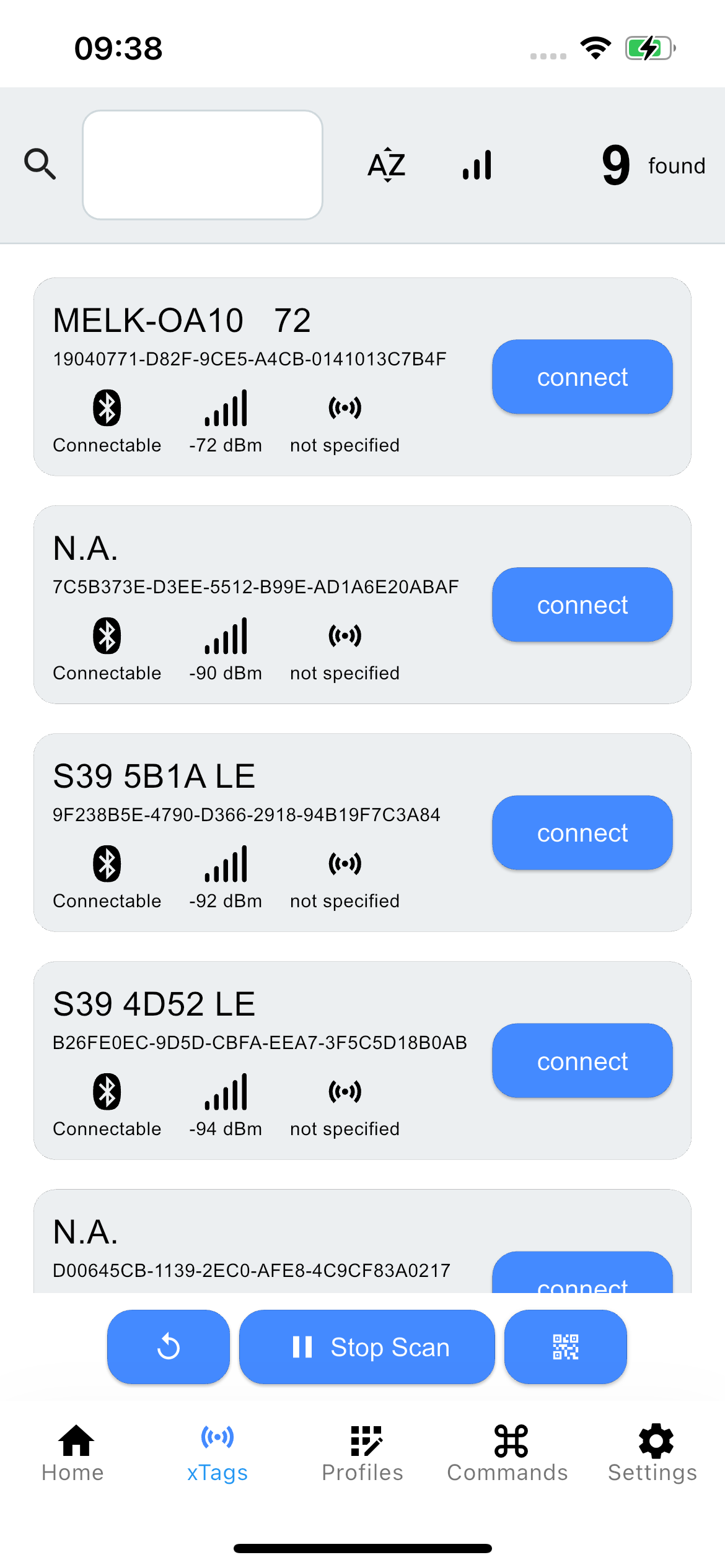
Unmittelbar nach dem Start beginnt die Applikation mit dem Scan nach verfügbaren Bluetooth-Geräten. Abhängig von den gewählten Einstellungen kann ein Filter verwendet werden, um die Liste und deren Ergebnisse zu sortieren.
## UI
### Architektur
Dieser Bildschirm ist in drei verschiedene Bereiche unterteilt, die jeweils unterschiedliche optionale Funktionen erfüllen.
| | | |
| --- | --- | --- |
| **Header** | 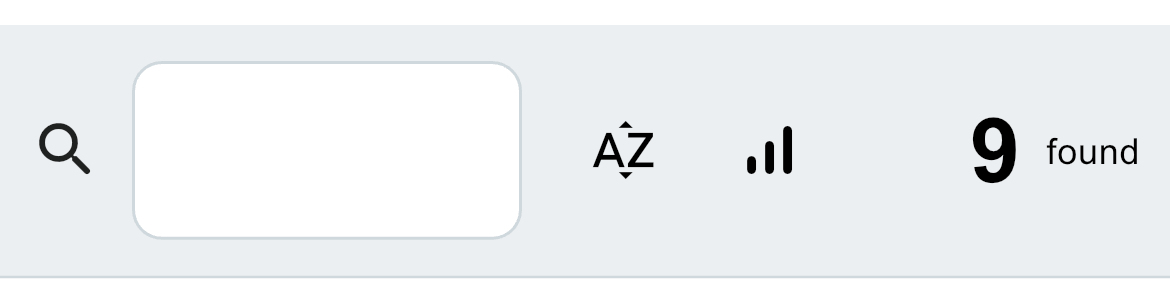 | Textfeld: Präfix-Filter
Sortierung nach Name
Sortierung nach RSSI
Anzahl der gefundenen BLE Geräte |
| **Inhalt** | 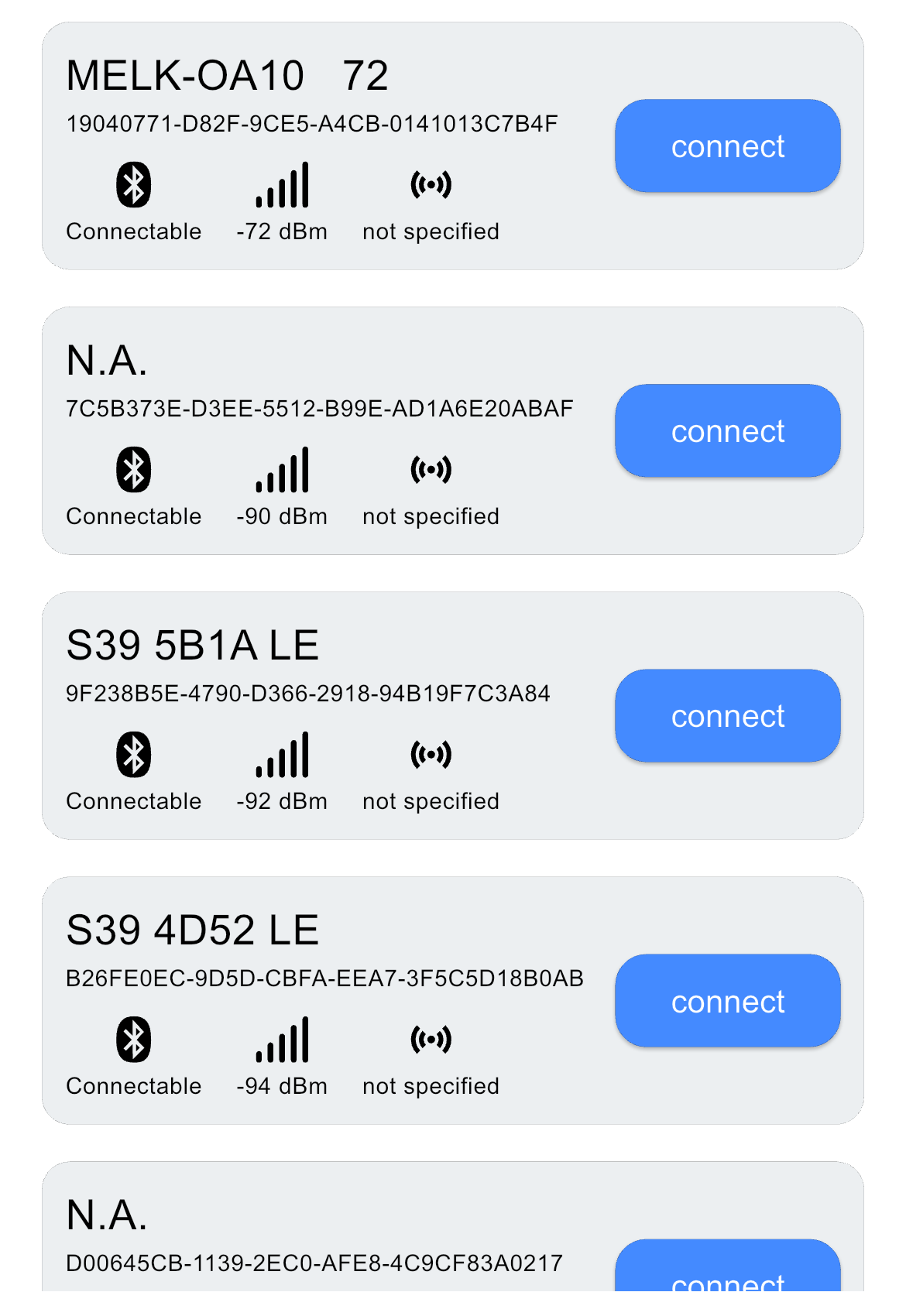 | Verfügbare BLE-[Geräte](02_02_01_device.md) |
| **Schaltflächen** | 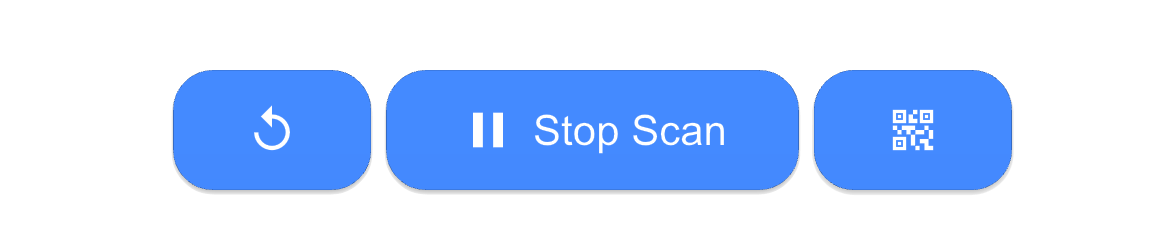 | Reset-Schaltfläche
Start-/Stopp-Schaltfläche
QR-Code-Scanner |