Users
User list
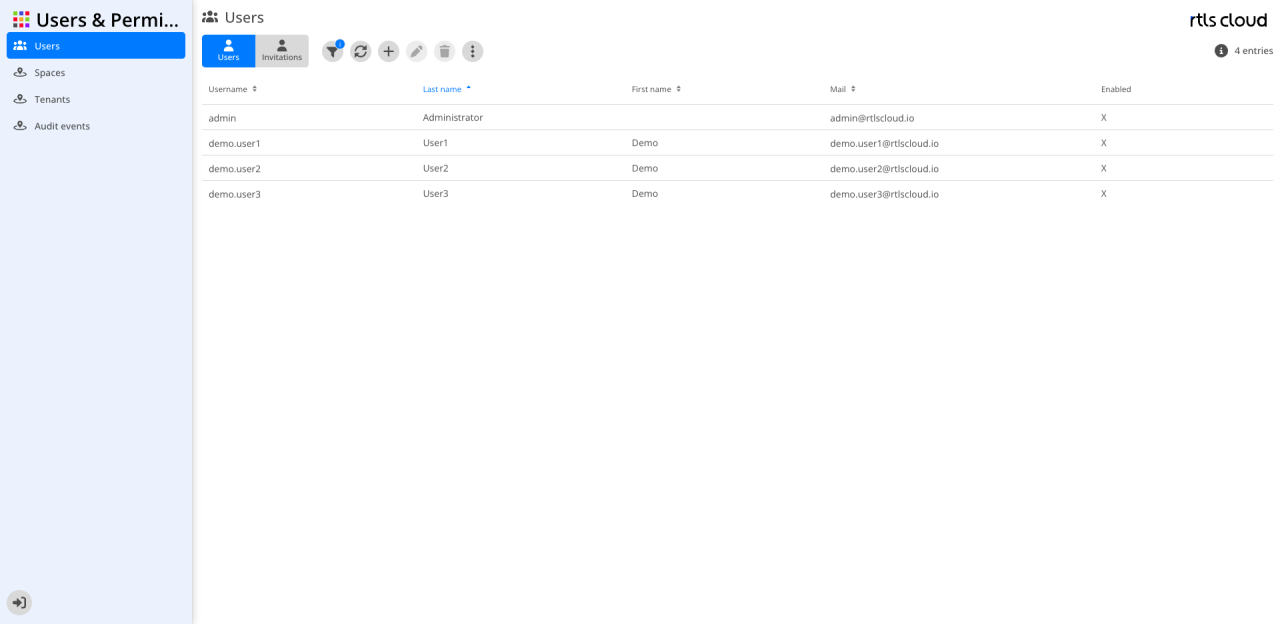
The columns are those of the tenant’s user list.
Invitation list
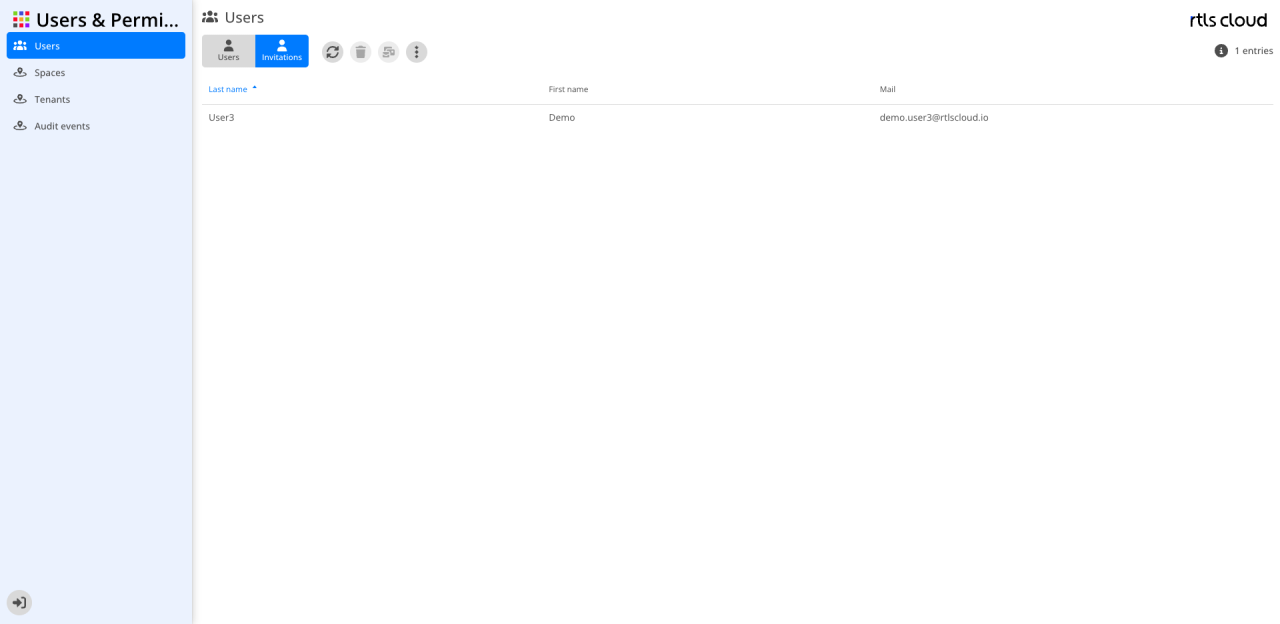
The invitations of every tenant, with the same columns as in the tenant view.
| With many accounts, sorting by Active groups the disabled ones together. |
What is different here
-
The list shows every account, including those without a permission in any tenant. An account whose invitation has been accepted but not completed is therefore visible here and not in the tenant view.
-
 Delete deletes the account for good. In the tenant view the
same button only removes the user from the tenant.
Delete deletes the account for good. In the tenant view the
same button only removes the user from the tenant. -
The edit dialog additionally offers the Roles field and the Credentials section. The Roles field concerns the roles that sit on the account itself — in practice only rtlscloud Admin; every other role is granted through Permissions.
-
The context menu of an invitation holds Copy invitation link, which passes the link on without a mail sender.