Firmware Update
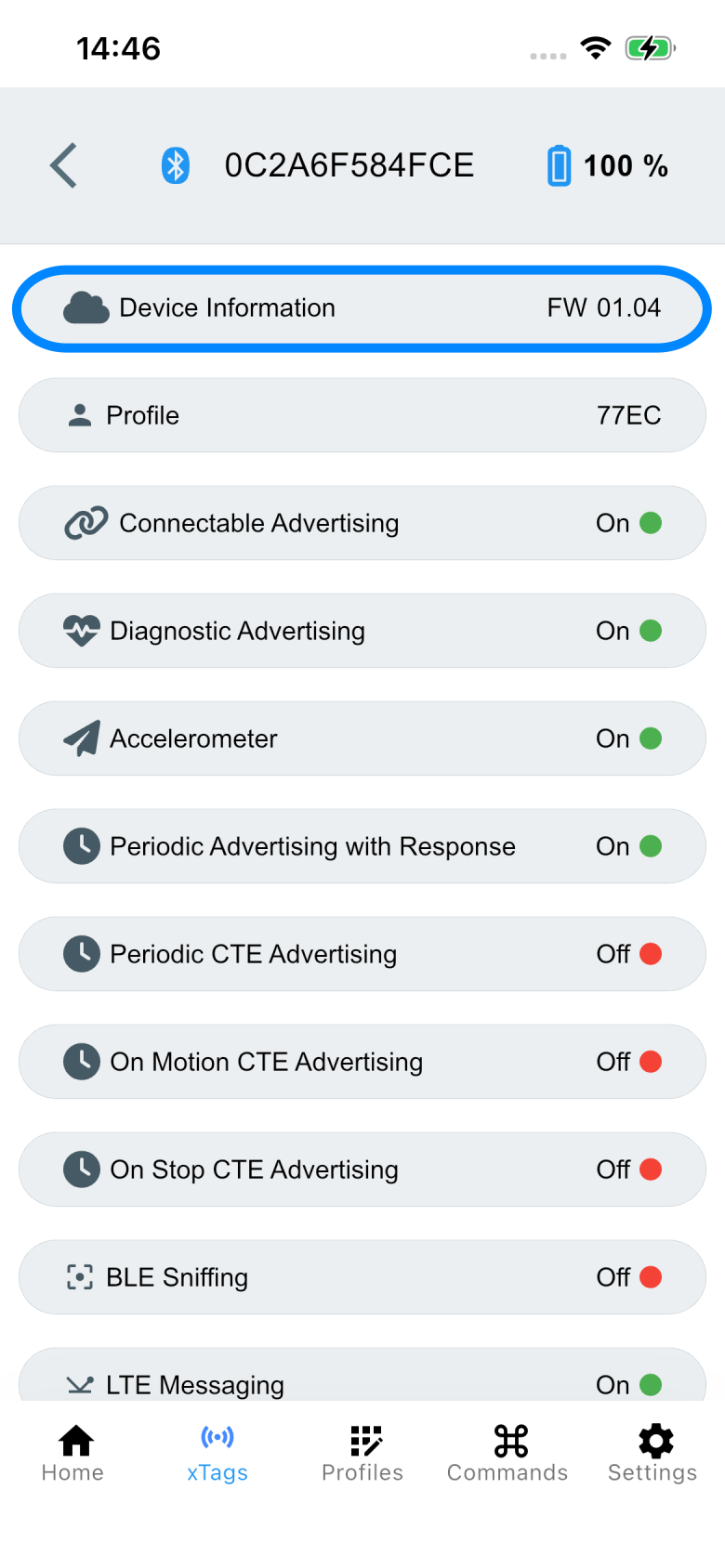
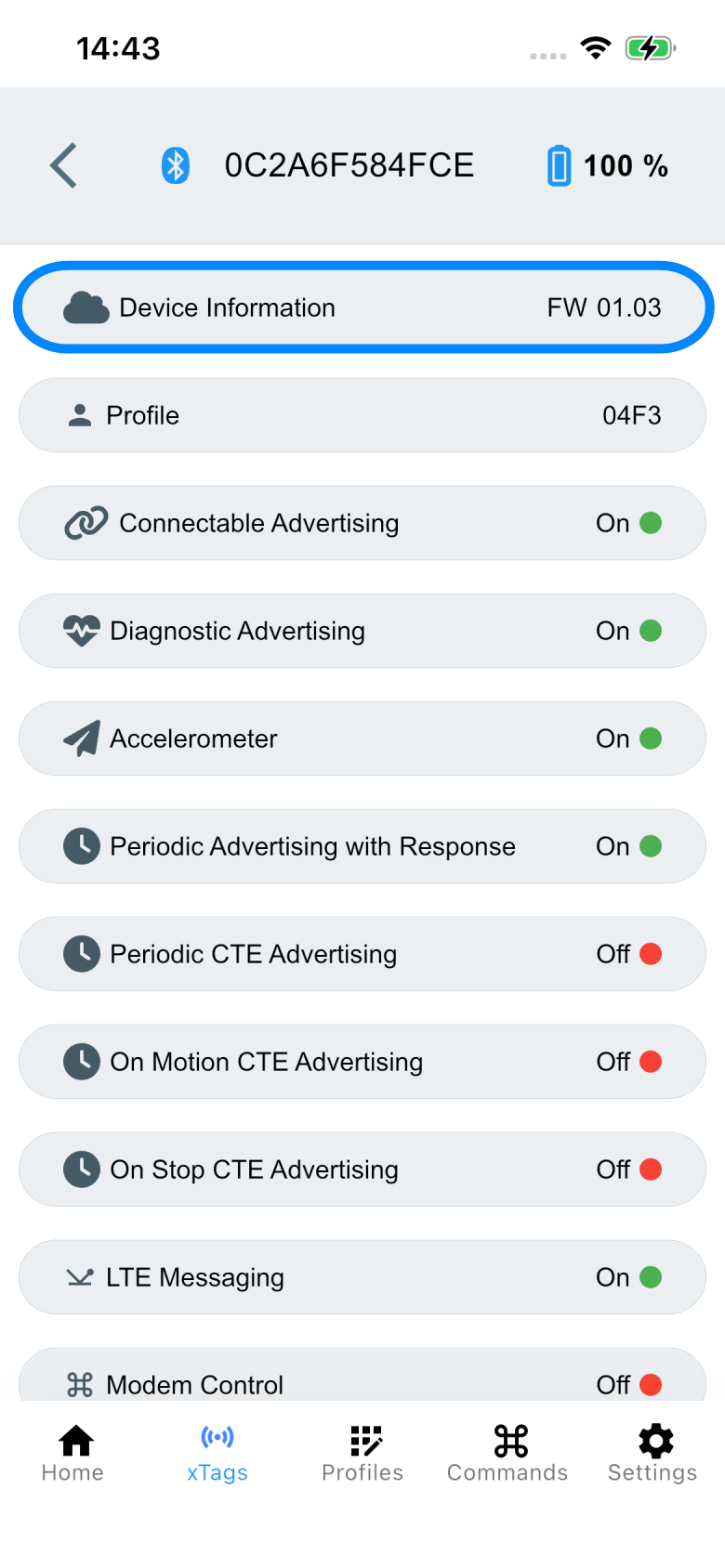
After a successful connection, the current version can be viewed and the necessary characteristics can be accessed via the Device Information service.
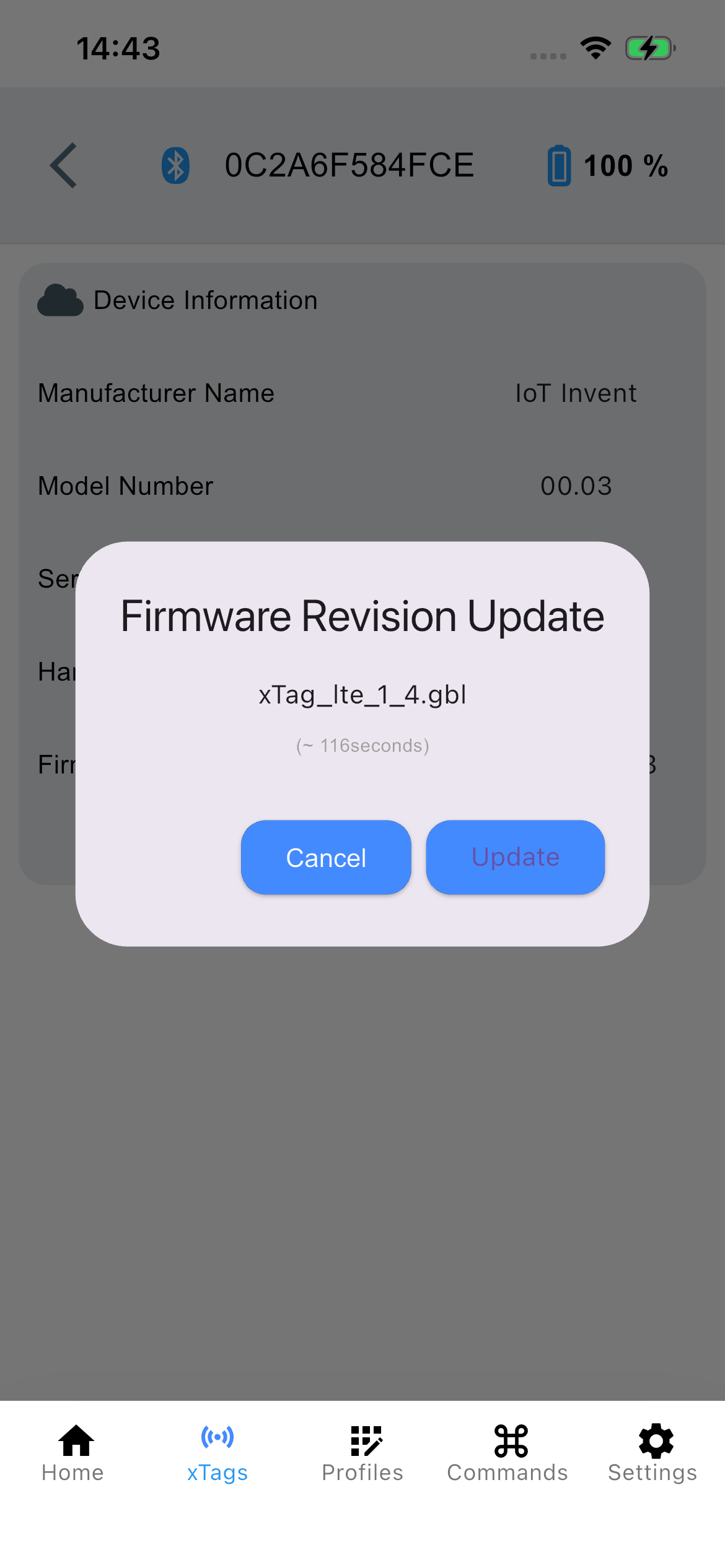
Via the Update button, the user is guided to the file selection on their phone. Once the file has been selected, the final dialog for performing the update appears.
Update button currently still grayed out
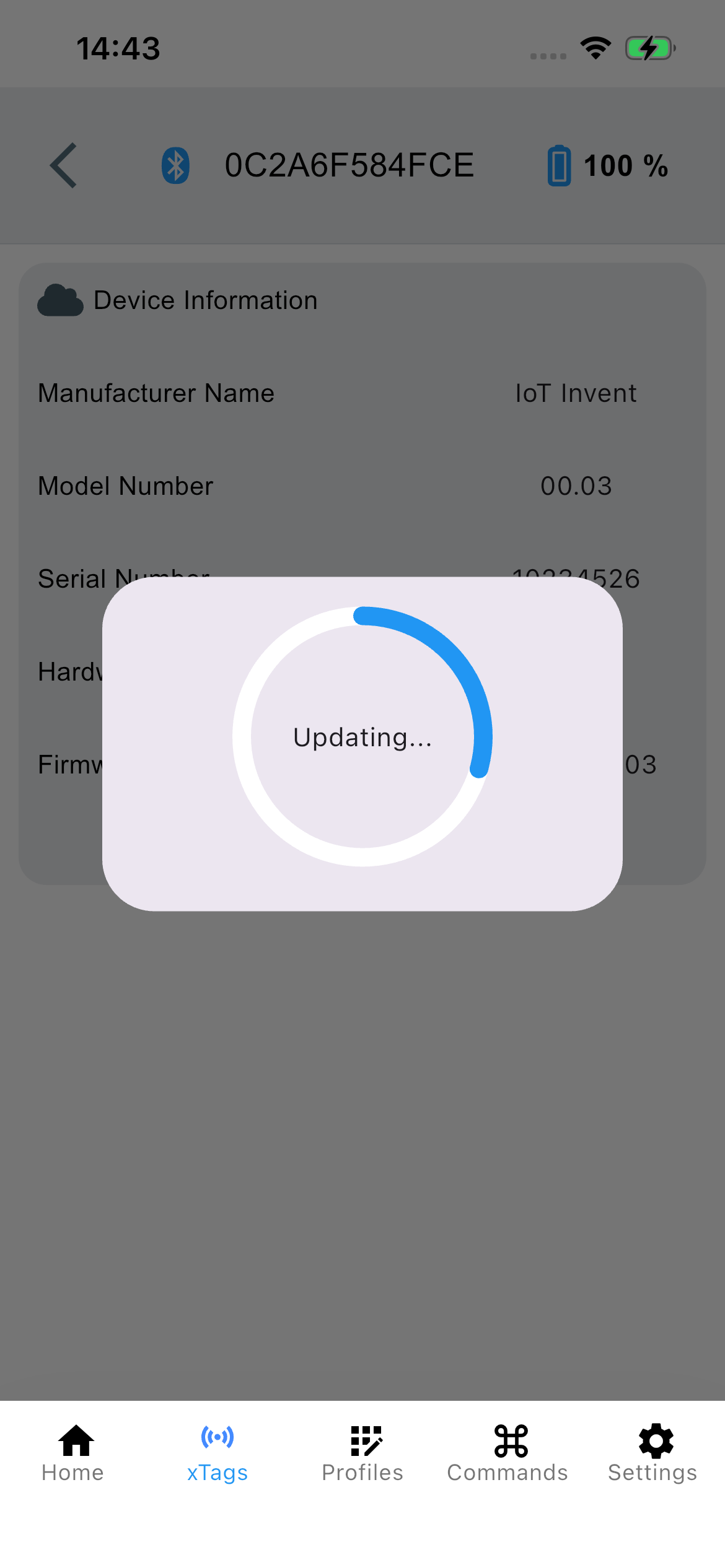
After completion, the connection must be manually disconnected and re-established, which triggers the internal update on the tag.
The new version should now be visible under Device Information.