LTE

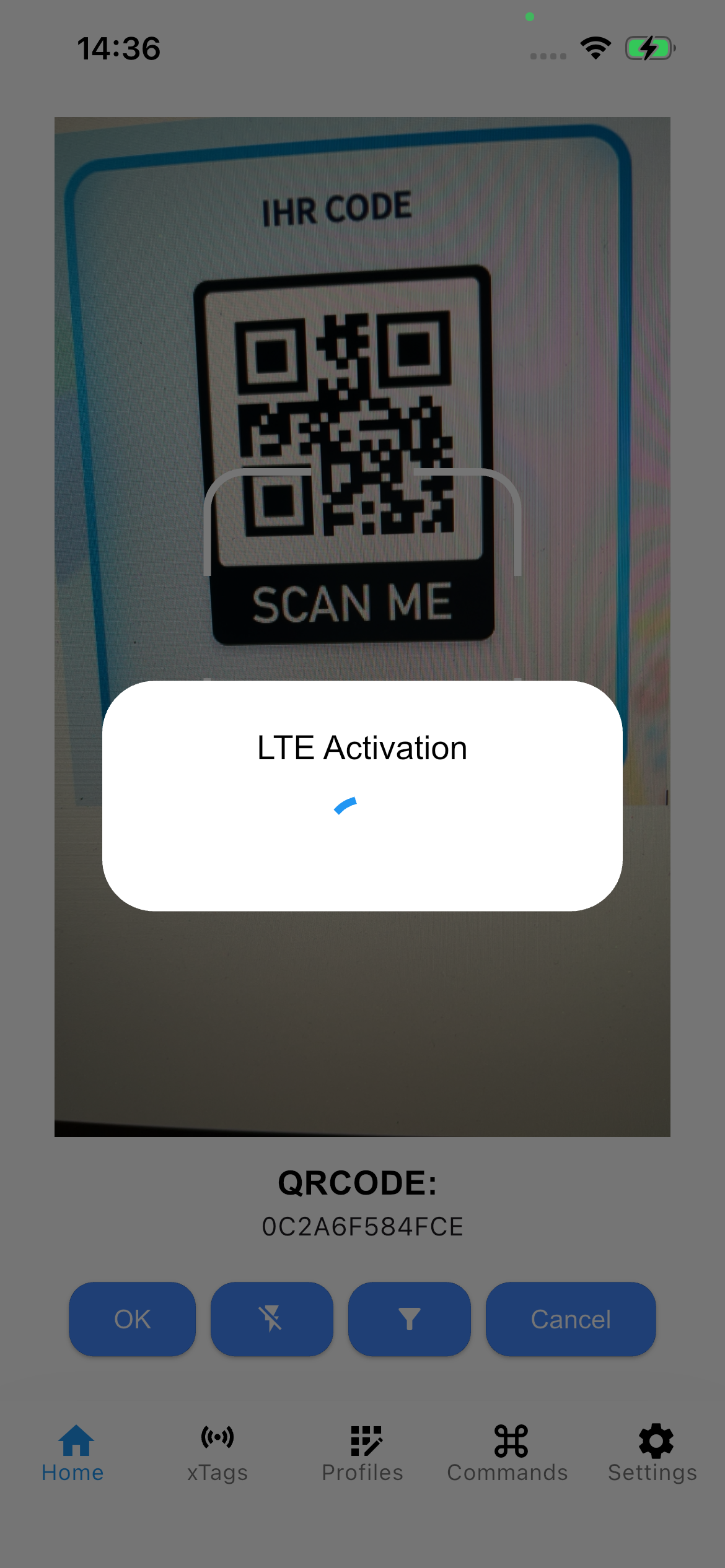
LTE can be activated in two different ways for a corresponding tag. An all-in-one solution is provided by the Tag Activate function in the main menu. Generally, these settings can also be configured under LTE Messaging once a connection has been successfully established.
Tag Activation

Start Screen

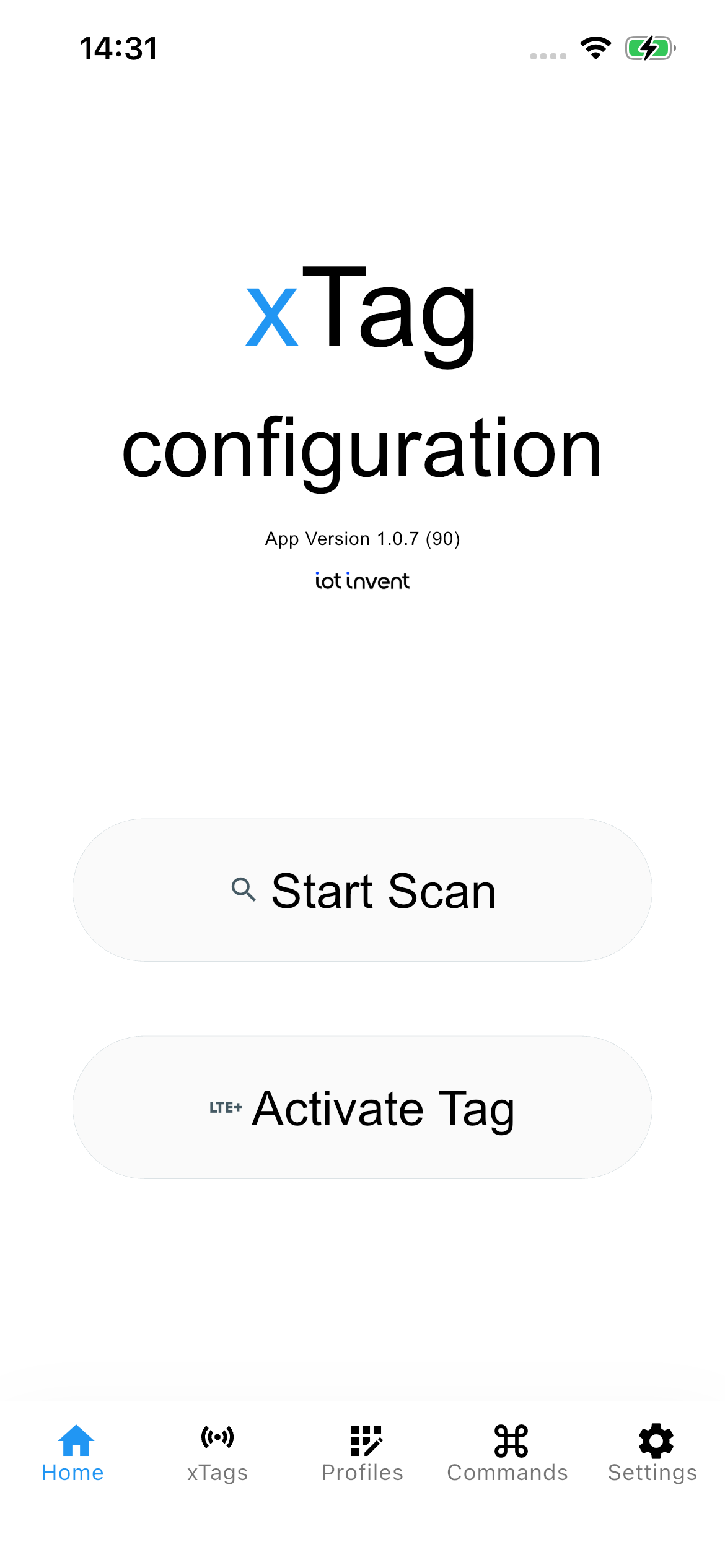
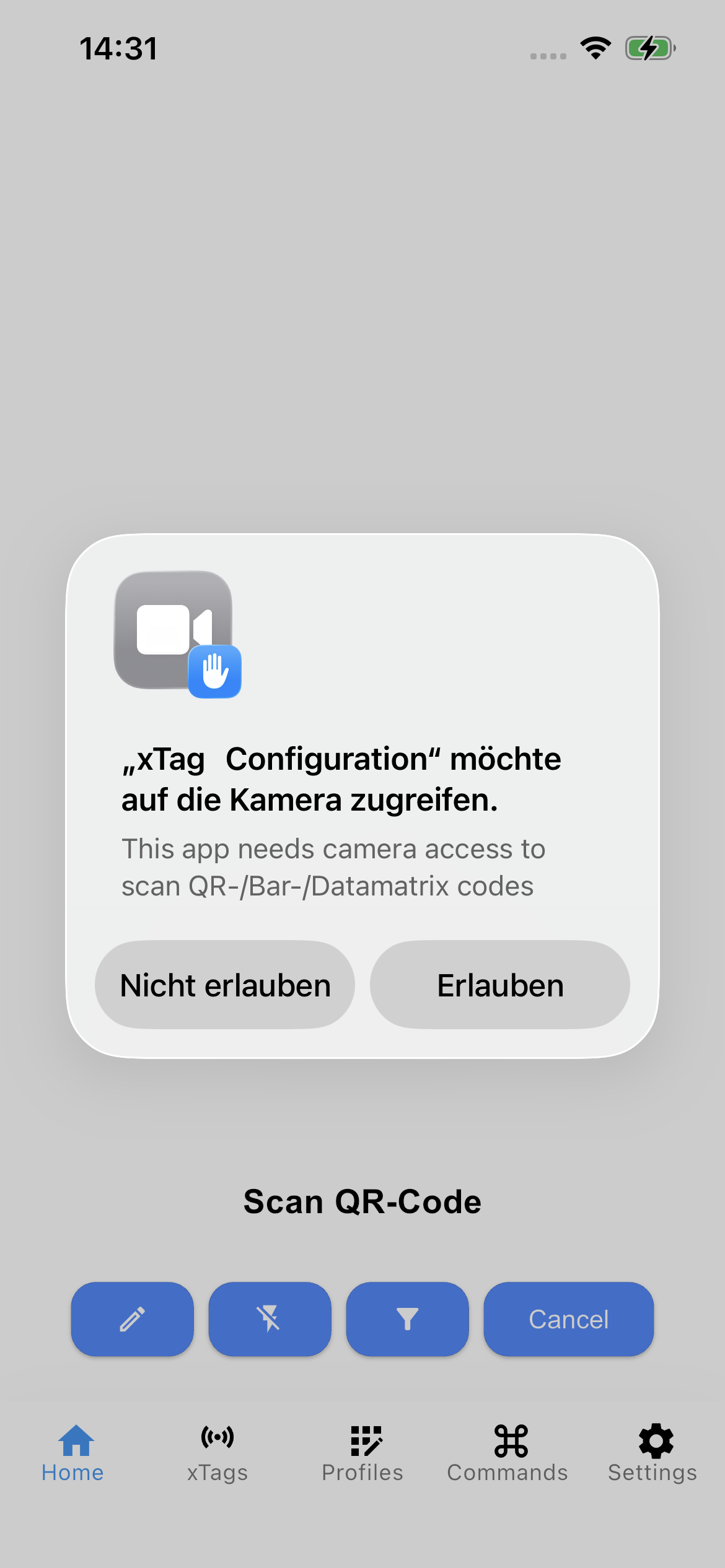
After installation, the app must be granted permission for Bluetooth and camera access. To start the activation, select “Activate Tag”.

Diagram

Tag Configuration

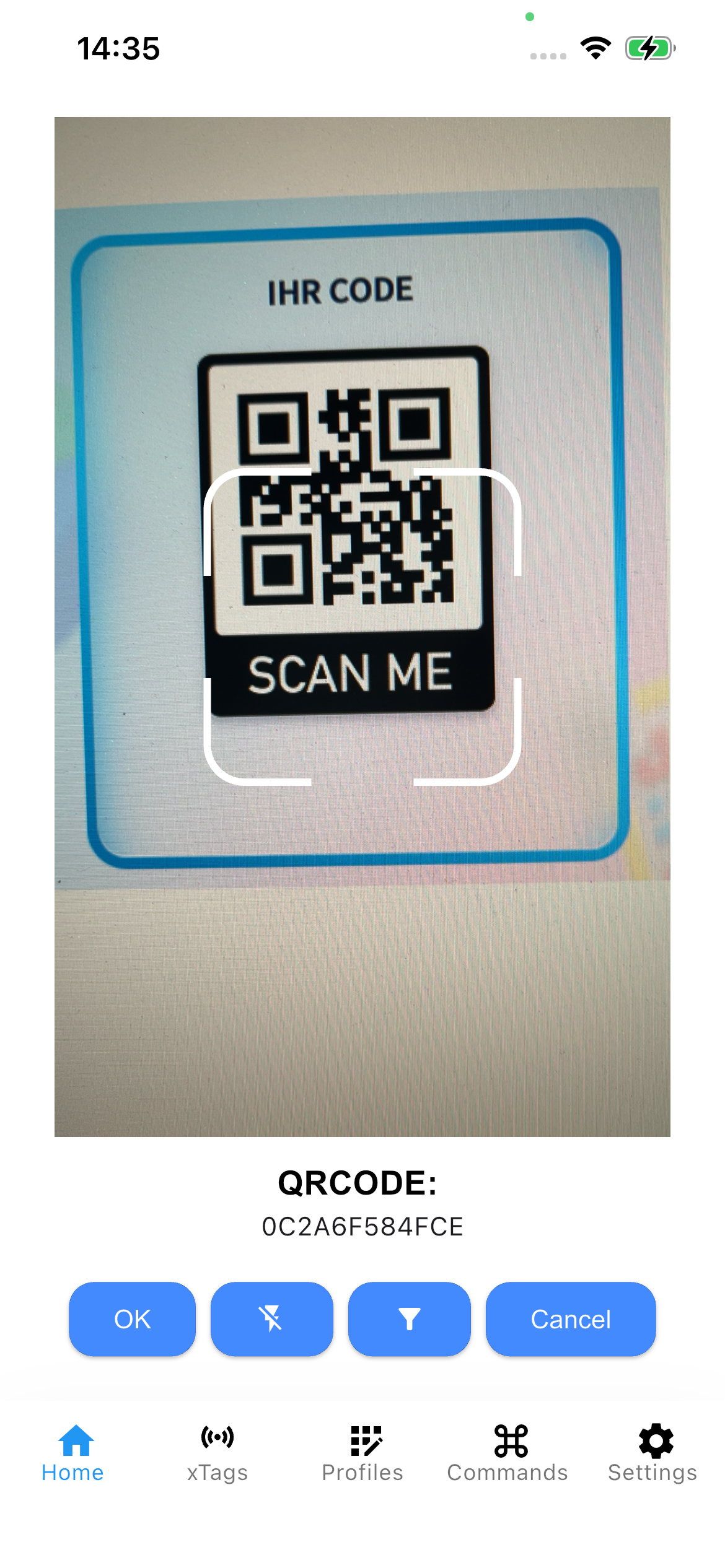
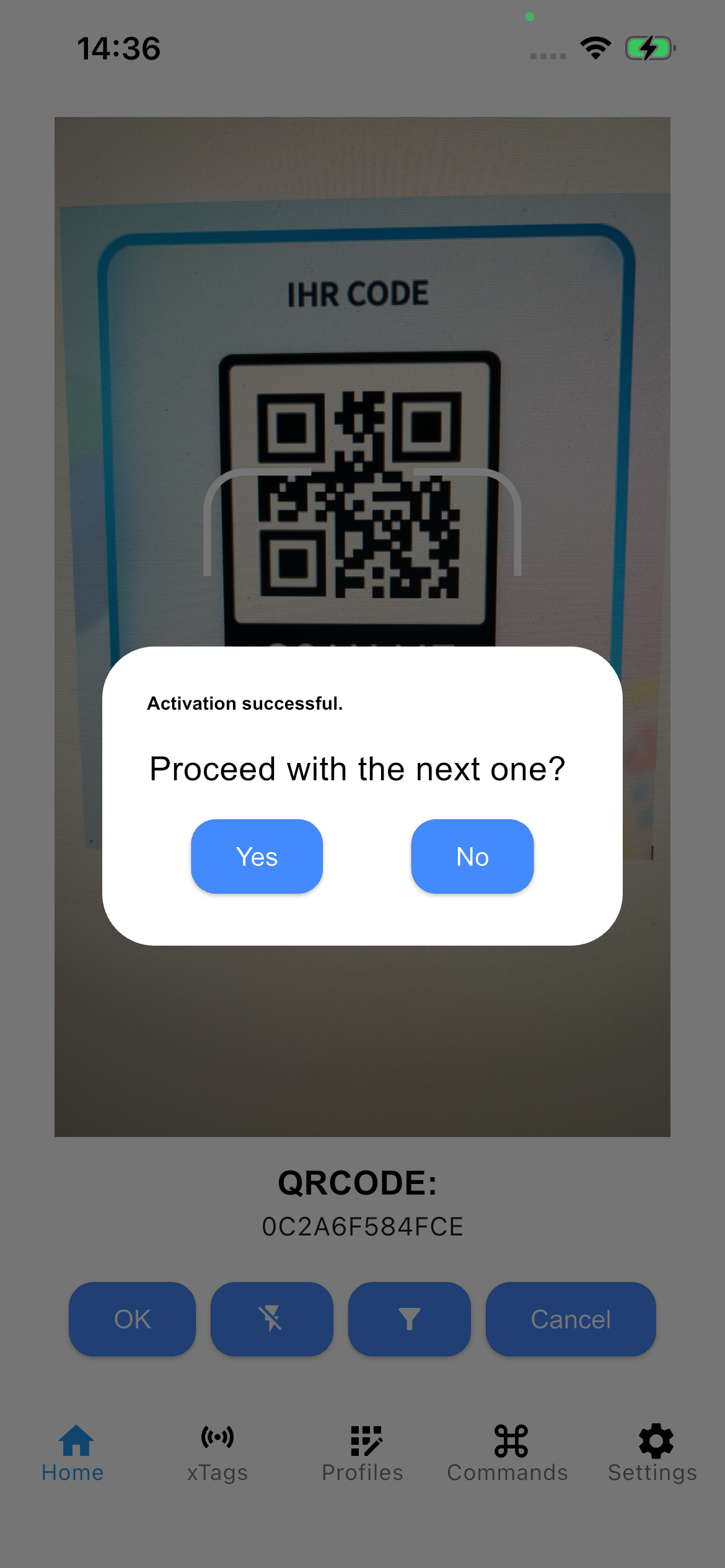
Point the camera at the barcode. Select “OK” as soon as the correct code is recognized.

Diagram Diagram

Activate

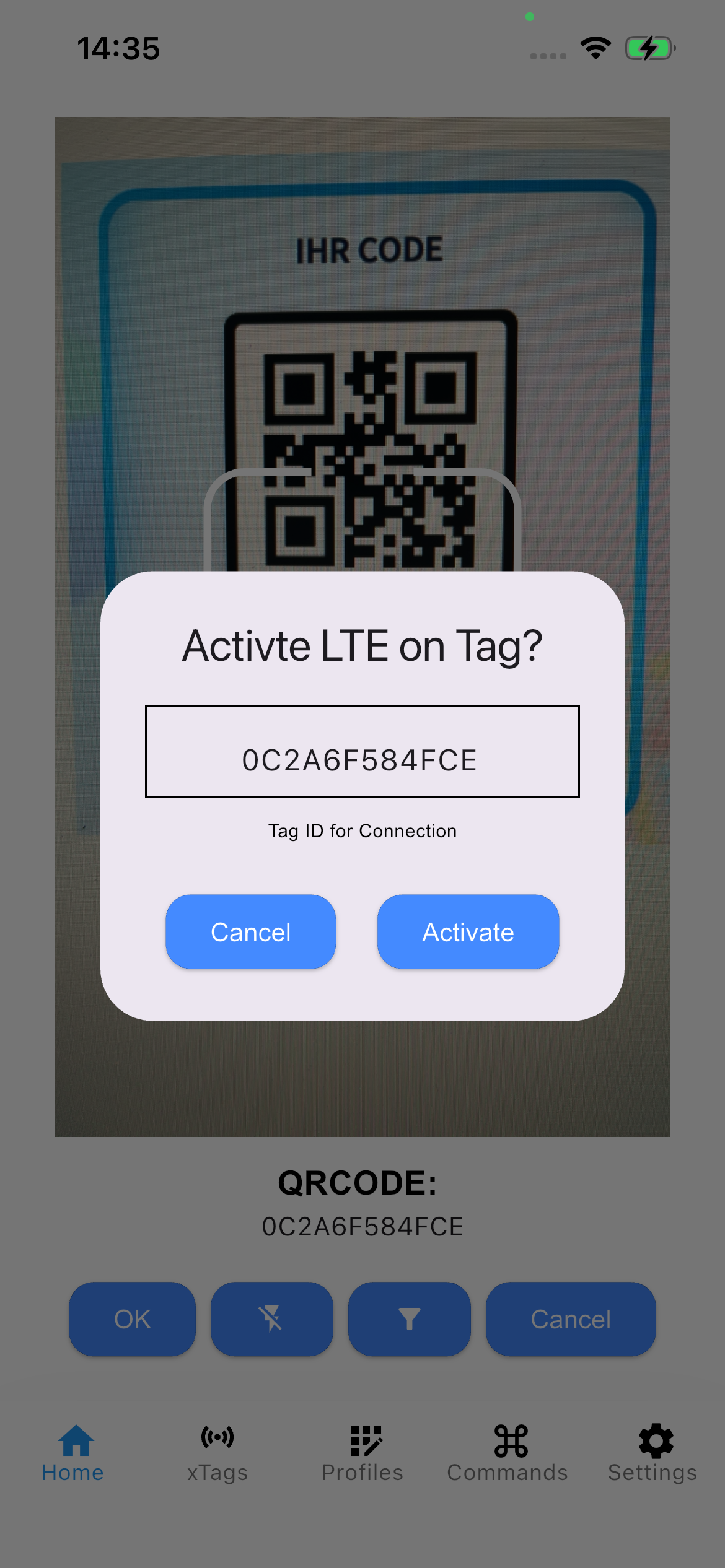
Start the process by selecting “Activate”.

Diagram

Pairing

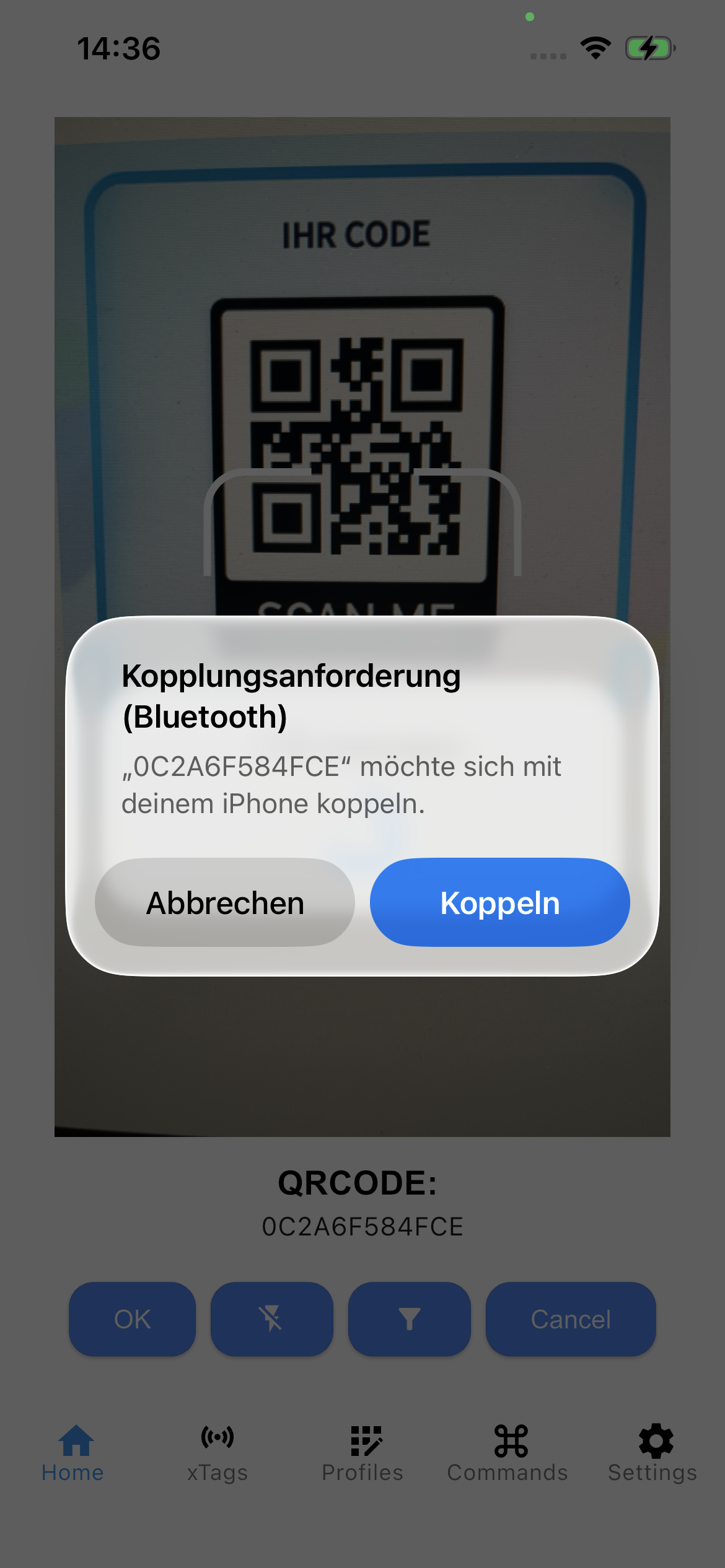
Select “Pair” after the prompt, and the process will start automatically.

Diagram Diagram

Finish

Once activation is complete, select continue or finish.

Diagram

Configuration

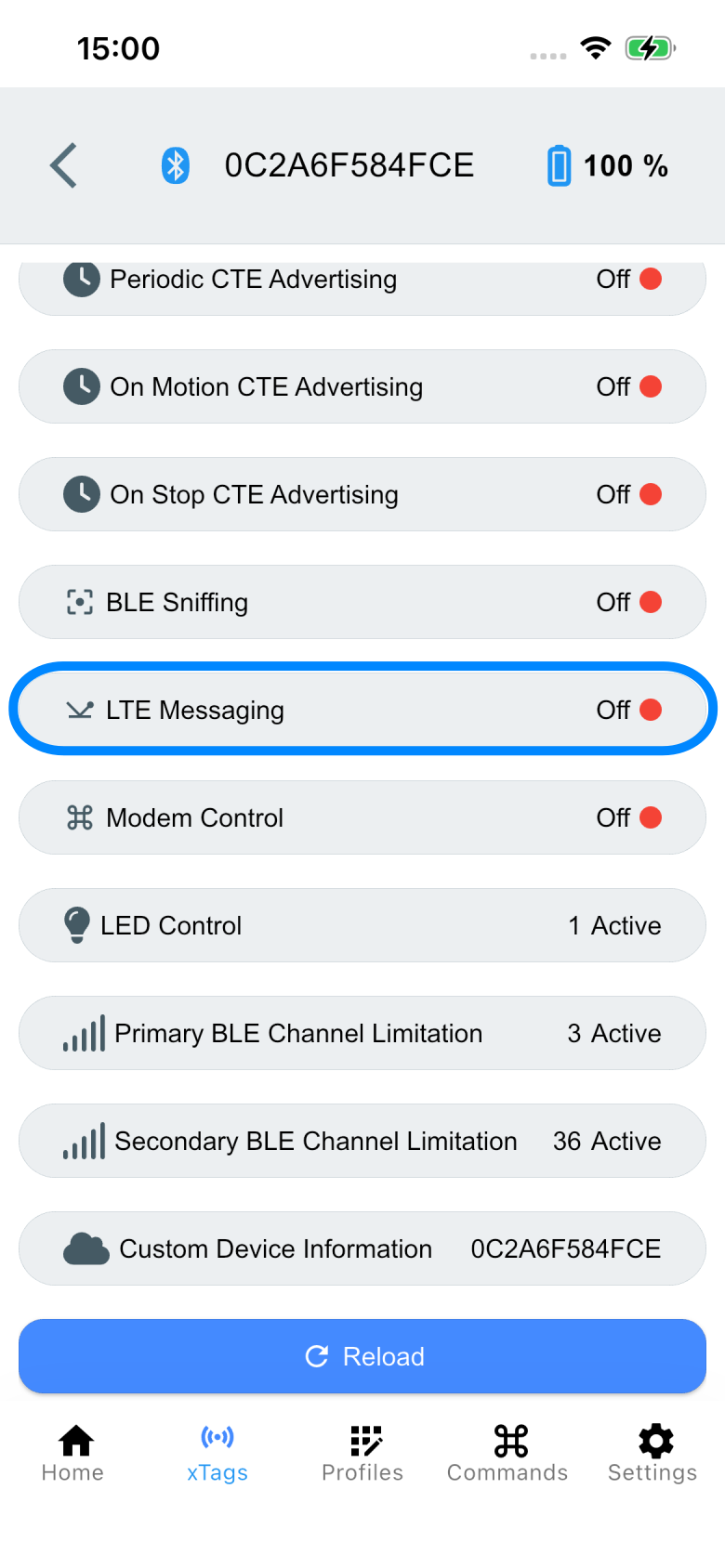
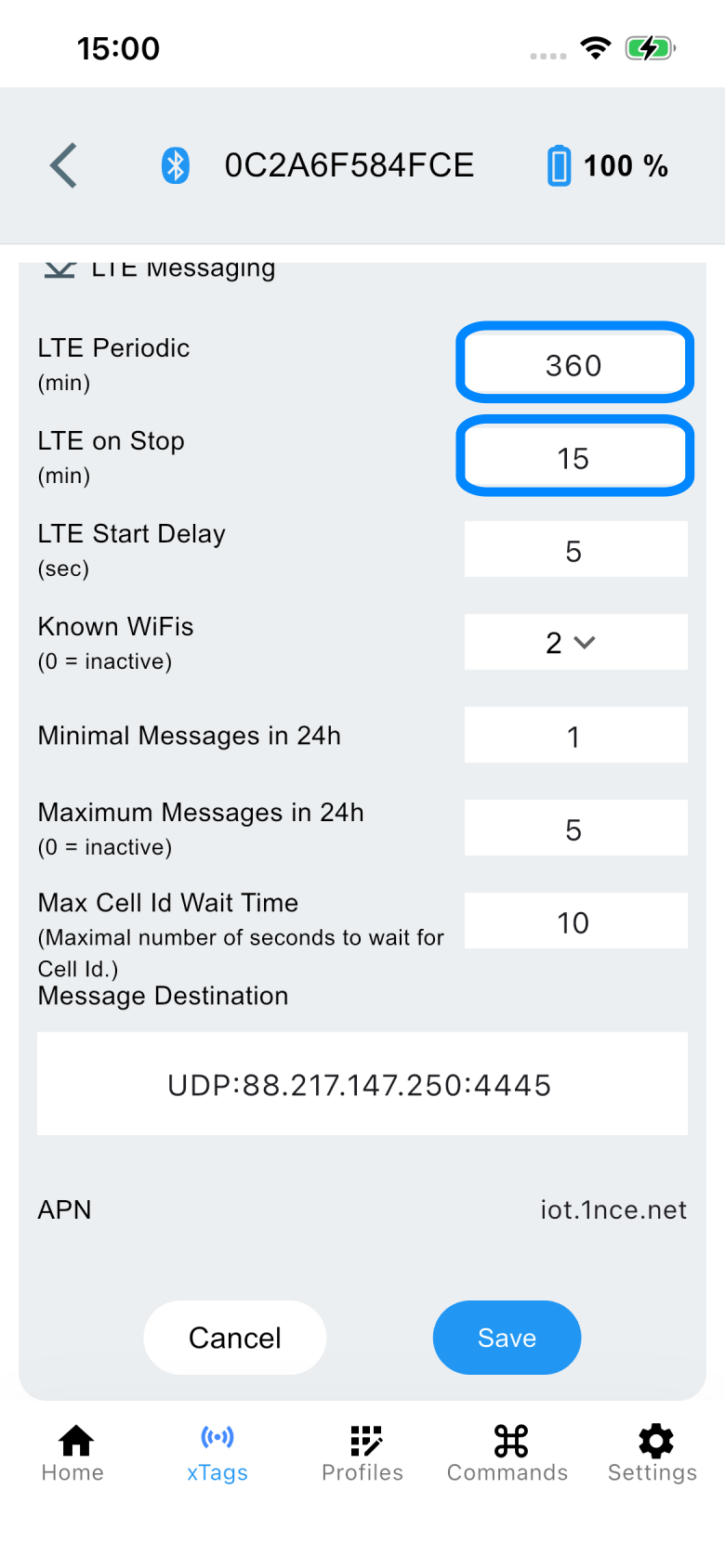
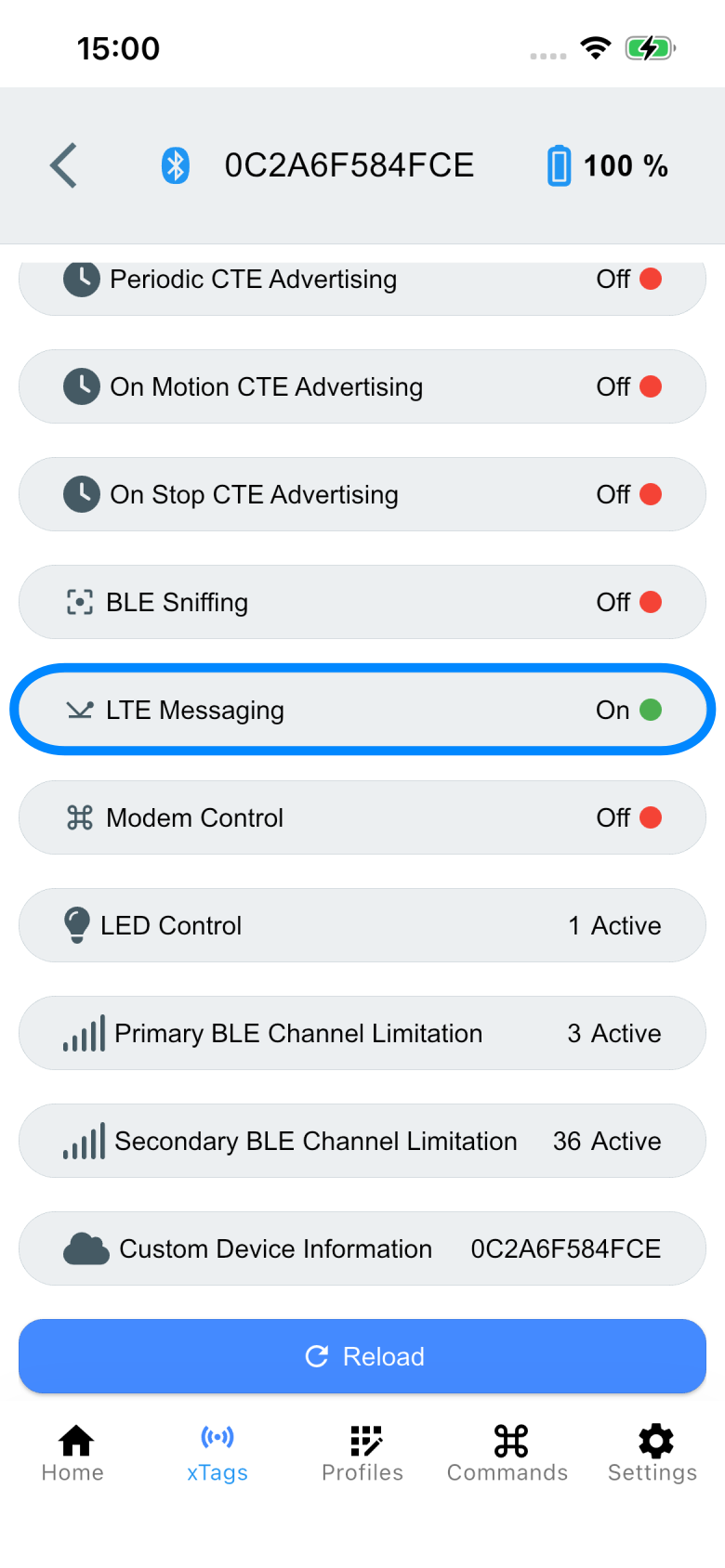
Generally, LTE activation can also be triggered via the LTE Messaging service. The following settings are required after a successful connection:

Diagram Diagram Diagram

Characteristic value

LTE Periodic

360 (6h)

LTE on Stop

15 (s)