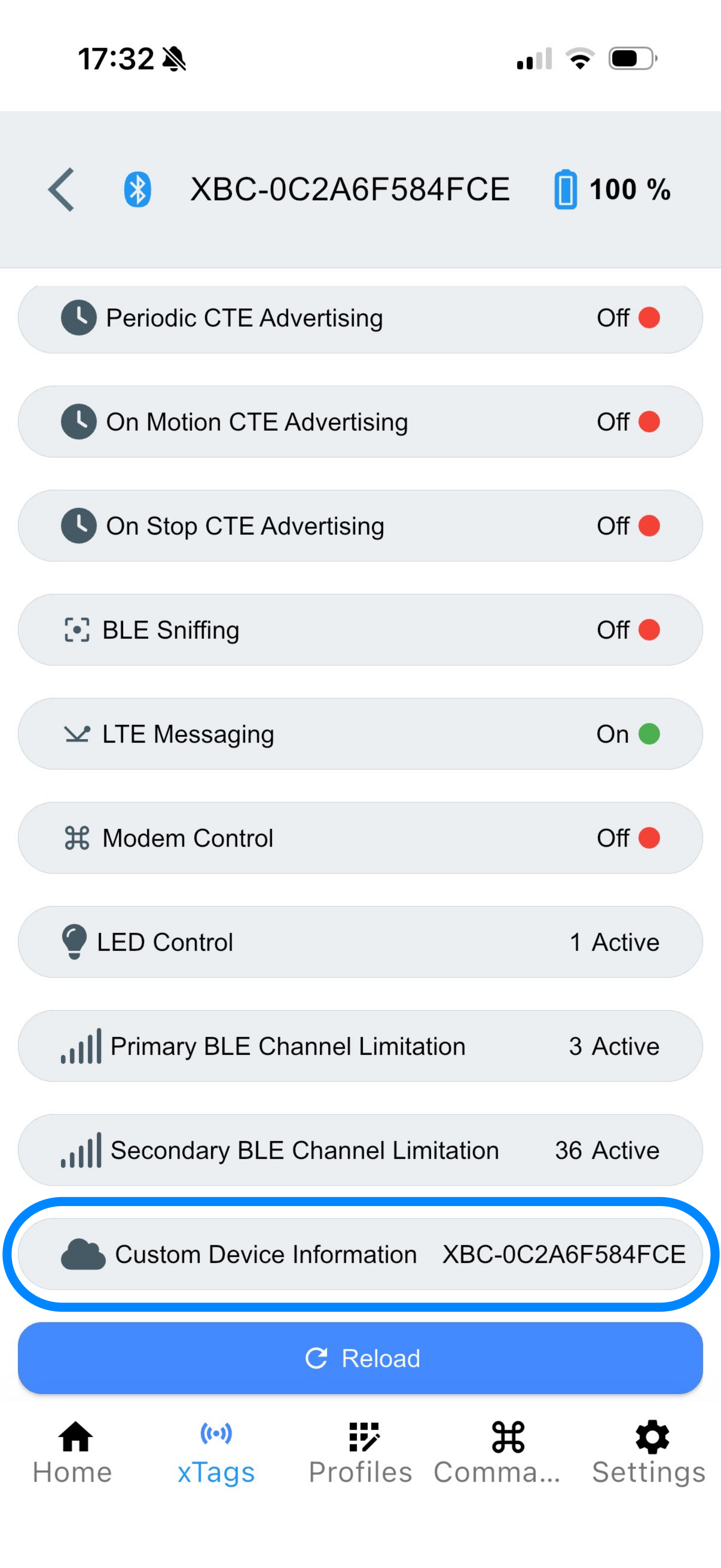
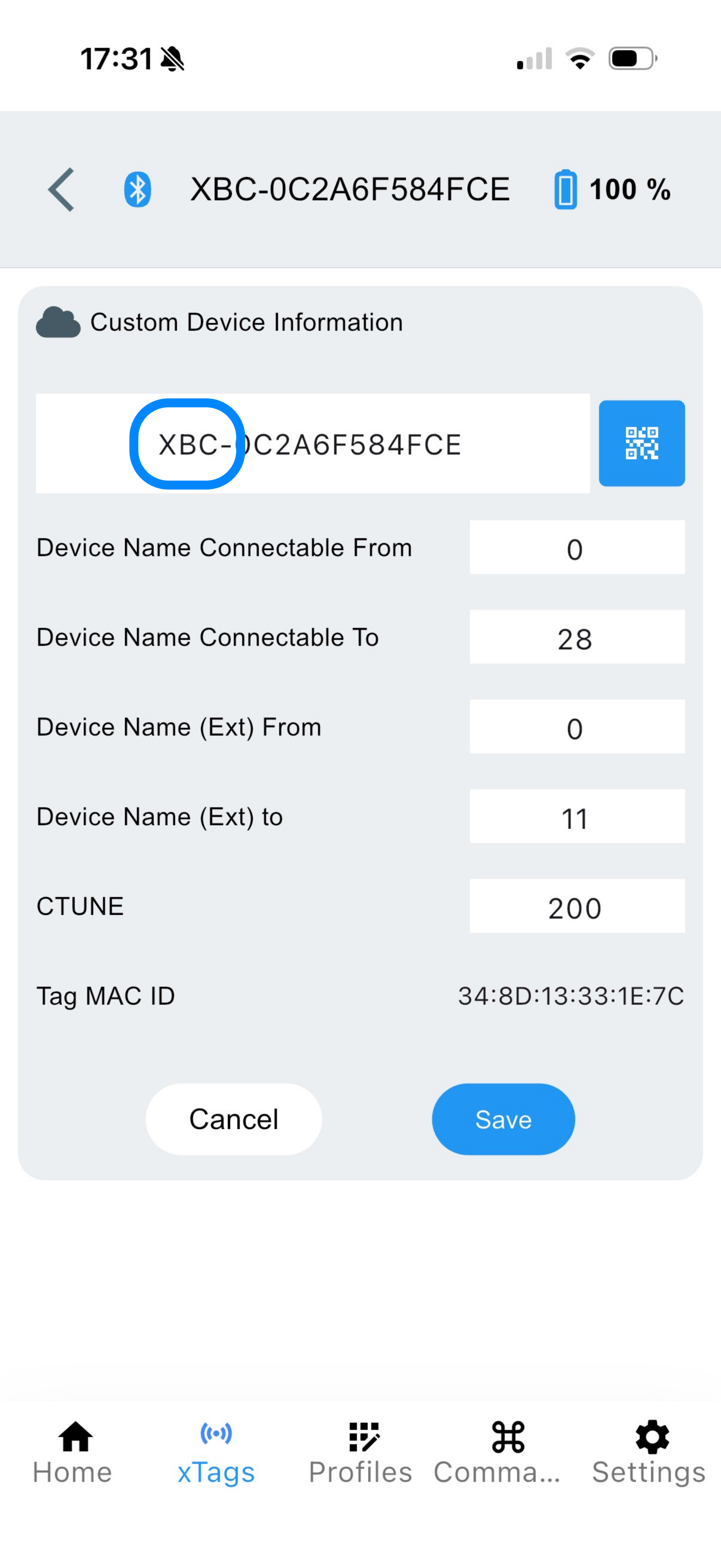
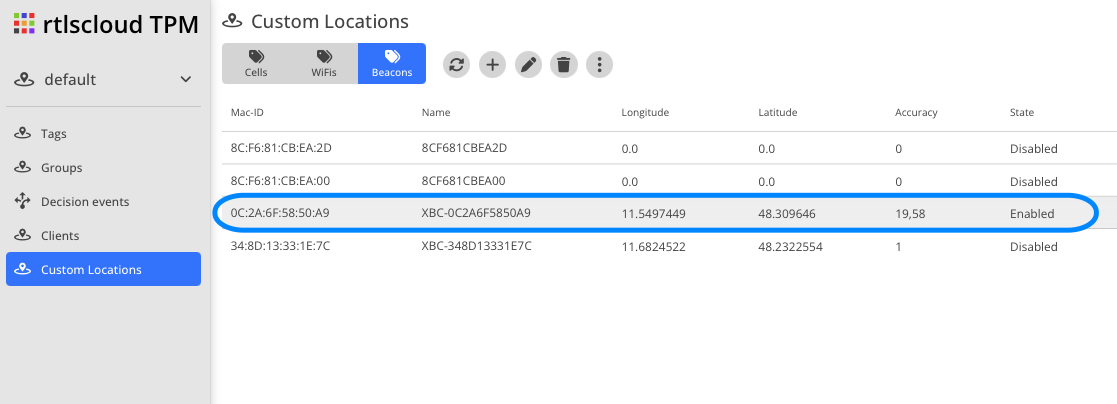
Beacon
To configure a stationary BLE & LTE beacon, various settings must be adjusted. These may also differ in detail depending on the scenario.
The following settings are configured after a successful connection:
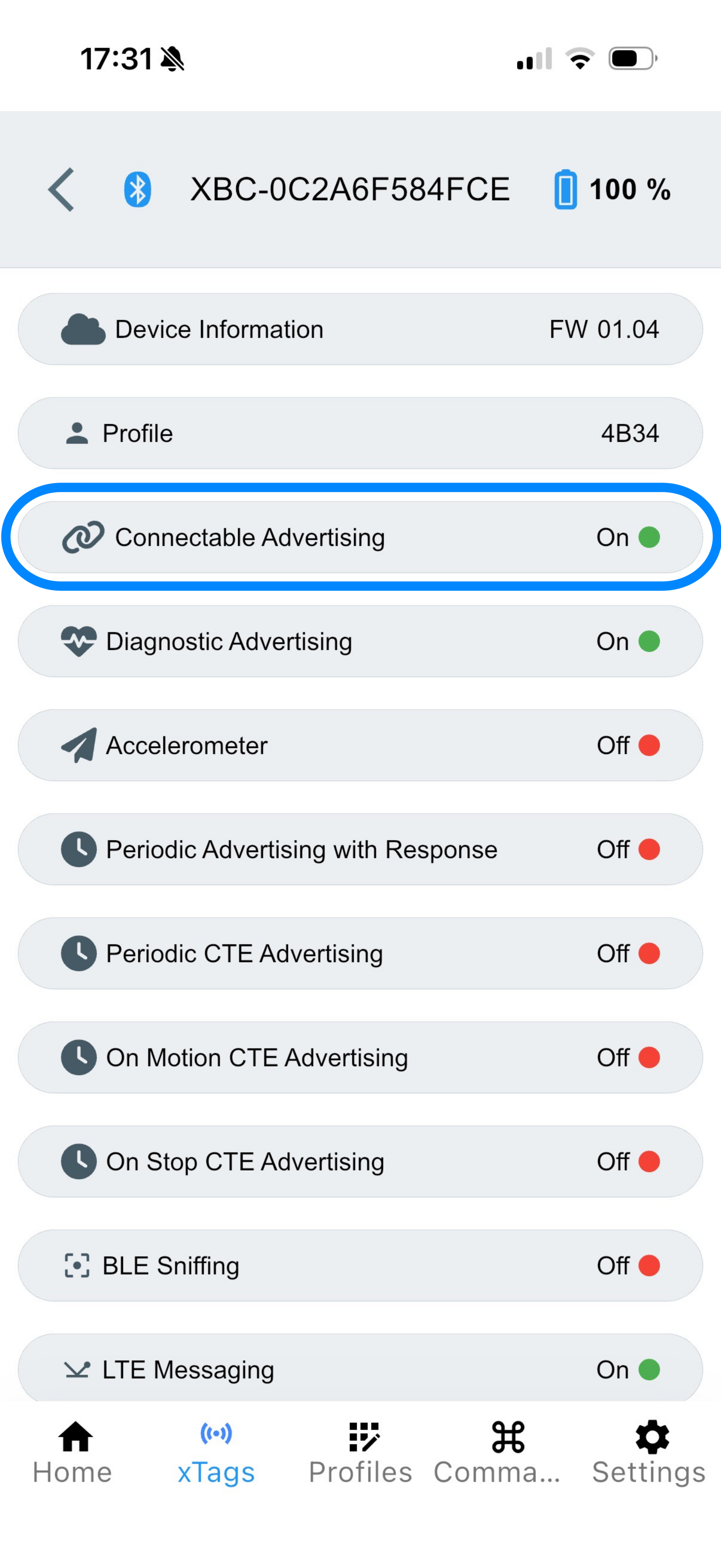
Connectable Advertising
To enable a faster connection, TxPower is set to 0 and the Interval to 1 s.
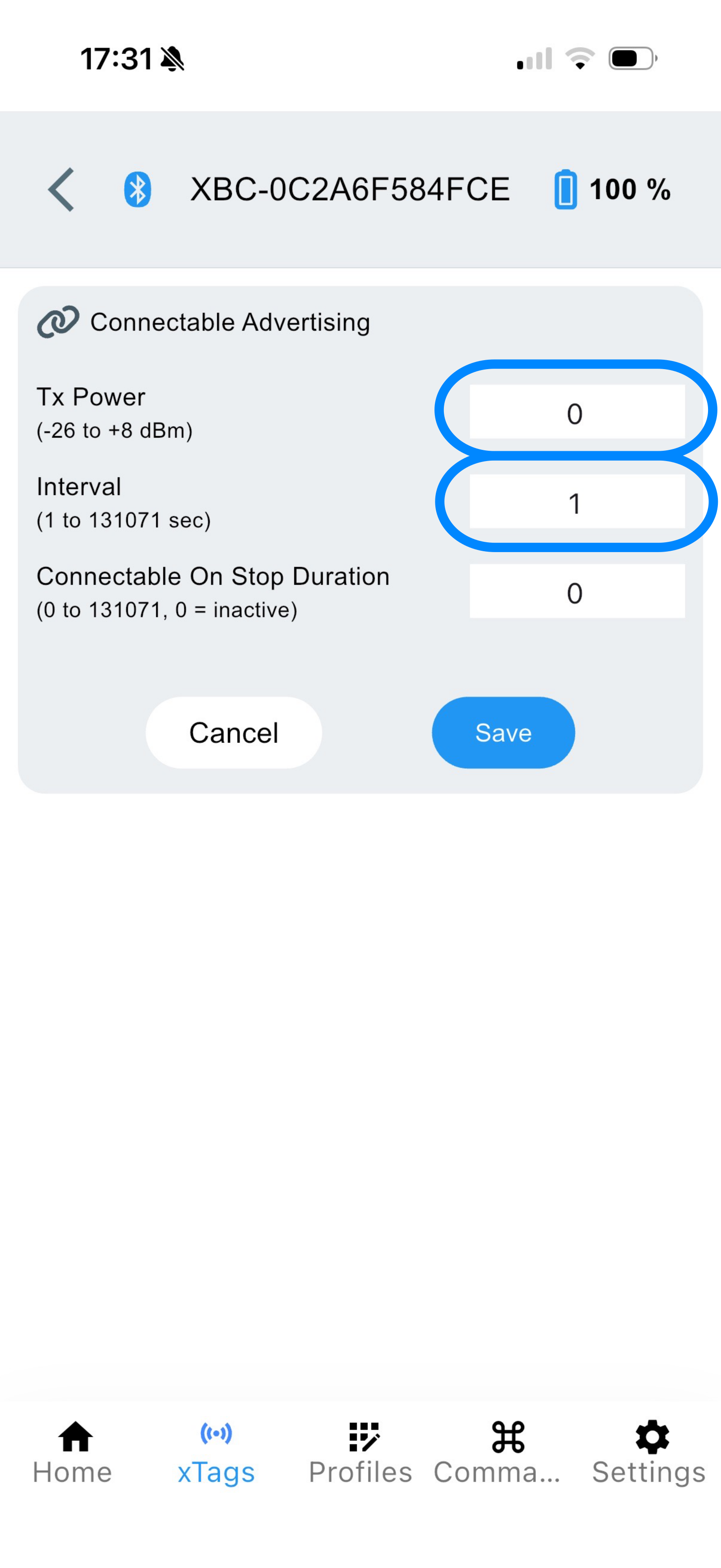
| Characteristic | value |
|---|---|
TxPower |
0 |
Interval |
1 |
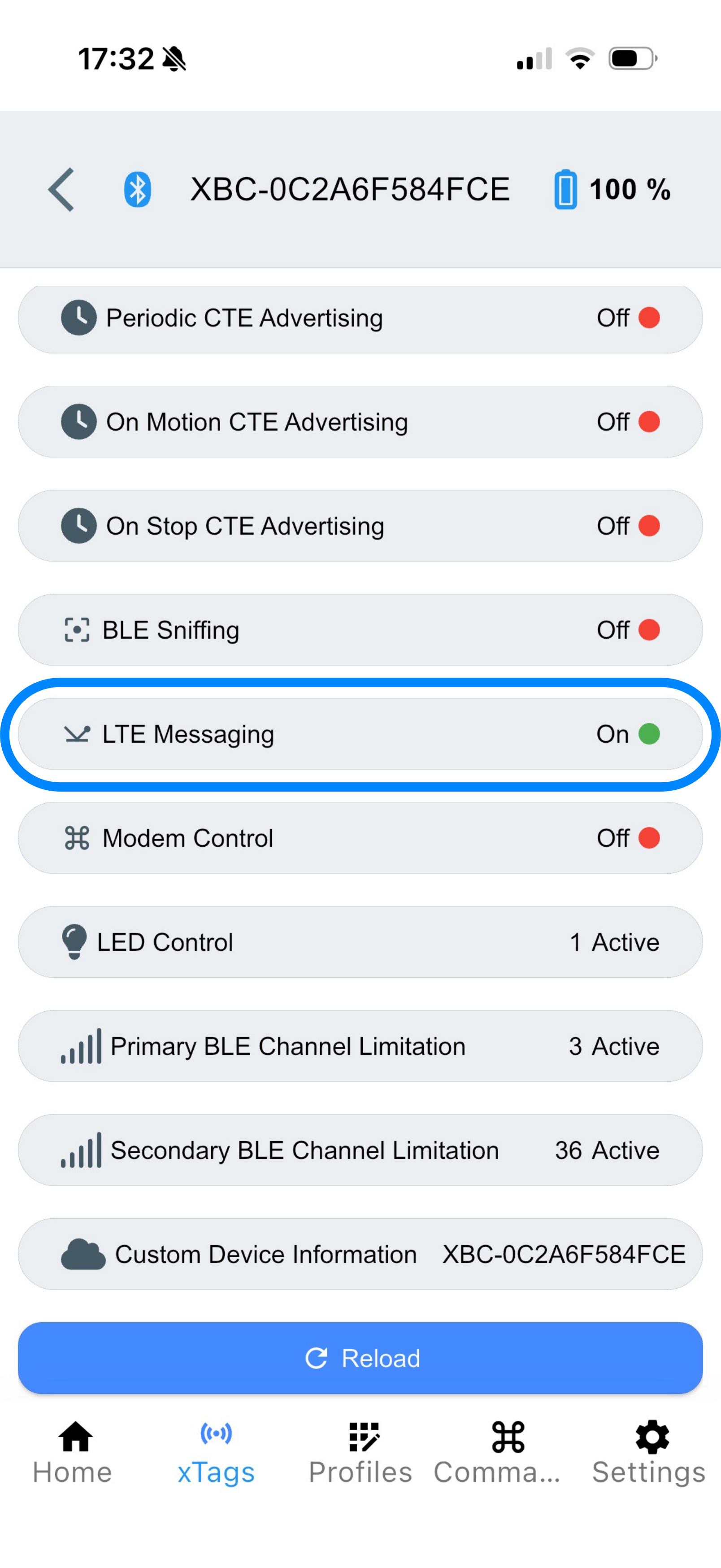
LTE Messaging
A beacon usually requires only a single report per day, which is why LTE Periodic is set to 1440 (24h). Since the tag does not move, LTE on Stop is set to 0. Likewise, Known WiFis is set to 0.
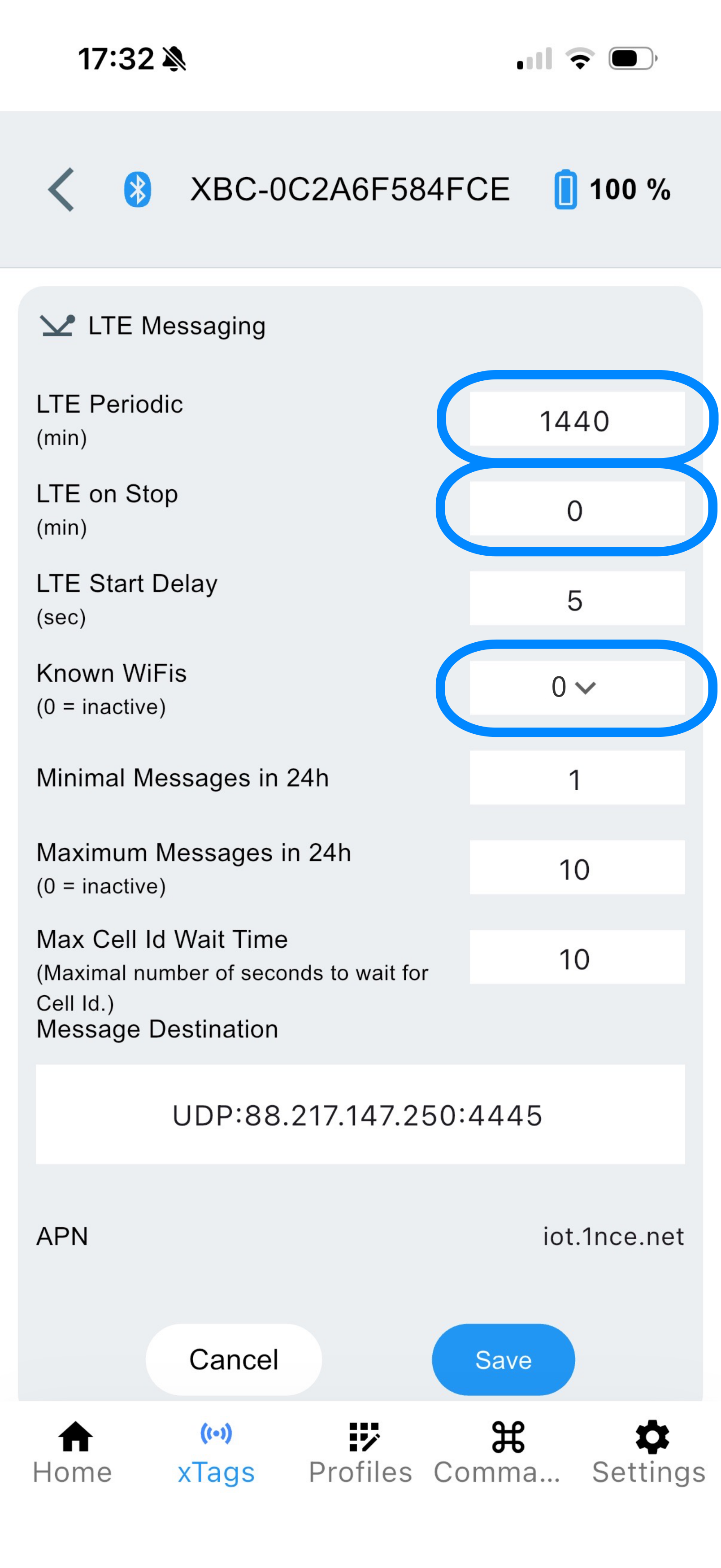
| Characteristic | value |
|---|---|
LTE Periodic |
1440 |
LTE on Stop |
0 |
Known WiFis |
0 |