Permissions
In this area, identities — users or groups — are assigned roles. Which roles exist and what they cover is described under Roles.
|
This list shows the permissions of the tenant only. The permissions of an individual space do not appear here; they are granted from the space list through the Permissions action. |
Permission list
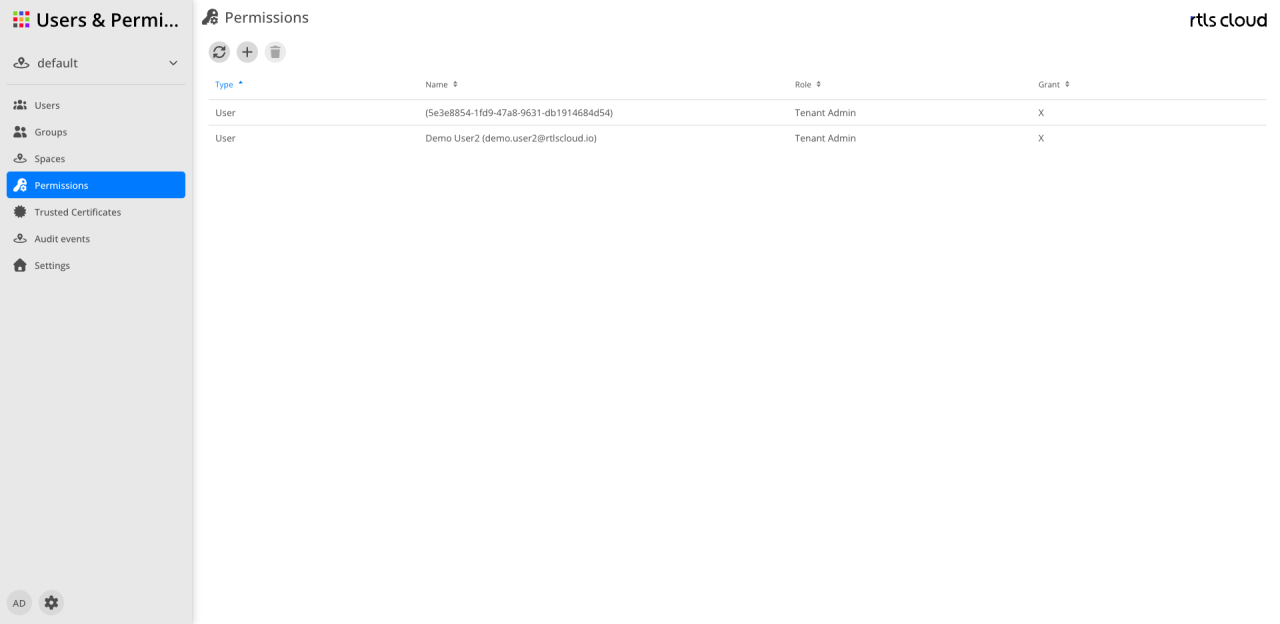
The user interface allows the management and overview of all granted permission profiles.
Action bar
The icons above the table provide access to the basic management functions:
| Action | Description |
|---|---|
|
Reloads the list of permissions. |
|
Opens the dialog to create a new role assignment for a user or a group. |
|
Permanently removes the selected permission assignment from the system (enabled after selection). |


| The table is sorted by Type by default. You can change the sorting at any time by clicking a different column header. |
Columns
This list shows all active role assignments.
| Column | Description |
|---|---|
Type |
Indicates whether the permission was assigned to an individual user or a group. A blue arrow marks the active sorting. |
Name |
The name of the respective user or group. |
Role |
The assigned functional role which defines the scope of the permissions. |
Granted |
An |