Groups
Group list
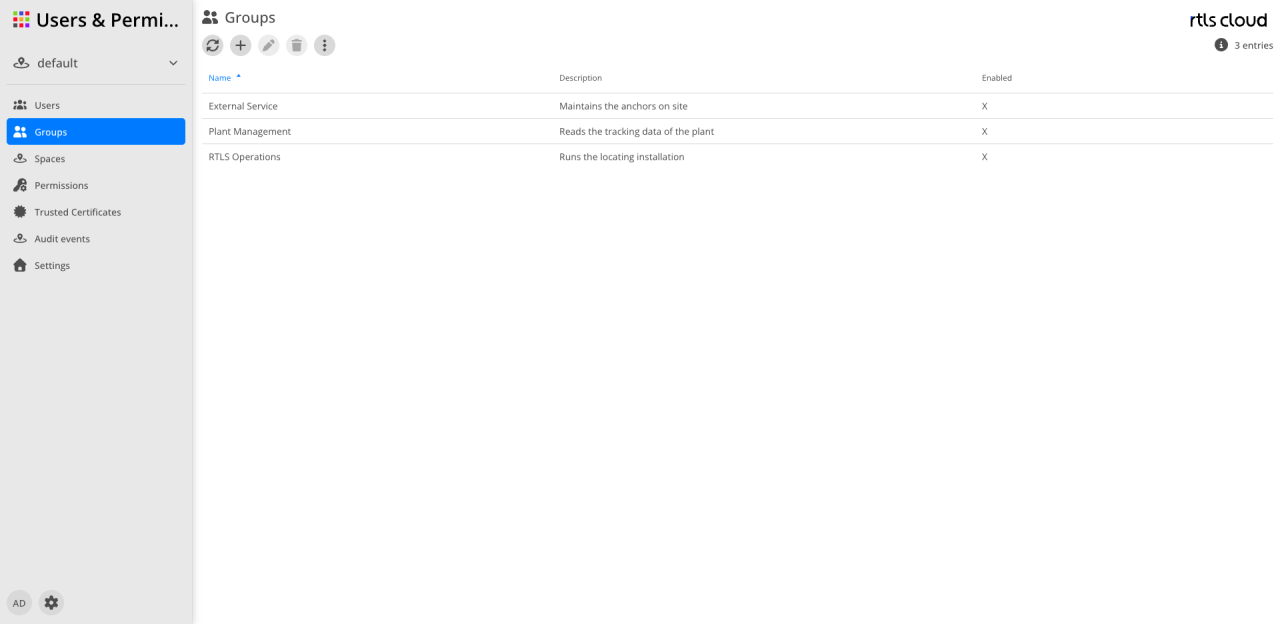
Action bar
| Action | Description |
|---|---|
|
Reloads the list of groups. |
|
Opens the dialog for creating a new group. |
|
Adjusts the name, the description and Active of the selected group. Members are not managed here — see the note above. |
|
Removes the selected group. The users remain; they lose the permissions they had through this group. |
|
Gives access to further group functions. |


Columns
| Column | Description |
|---|---|
Name |
The name of the group. The arrow indicates which column the list is sorted by. |
Description |
Free text describing the purpose of the group. |
Active |
An |
| Meaningful names pay off in the permission list — only the group’s name appears there, without its description. |
How groups work
Three points that the user interface does not reveal on its own:
Groups are flat. A group has a name, a description and the Active switch — no parent. There is no group inside a group, and therefore no inherited membership.
Membership sits on the user. It is a property of the user account, not of the group. The same assignment can therefore be maintained from either side: on the user through the Groups tab, or on the group through the Users tab.
|
The Users tab only appears when the group is opened — by double-clicking the row, or through the read view. It is not in the edit dialog; that one holds only the name, the description and Active. Whoever looks for members and opens the edit dialog will not find them. |
Roles are not maintained on the group. A group carries no permissions. It receives a role the way a user does: as an entry in the permission list of the object the role applies to — the tenant or a space. In that list the group then appears as the identity instead of a person, see Permissions and Roles.
A group can also be granted while inviting a user, instead of a role: after accepting, the invited person is a member and has the group’s permissions, see Users.