Integration flows
Flow list
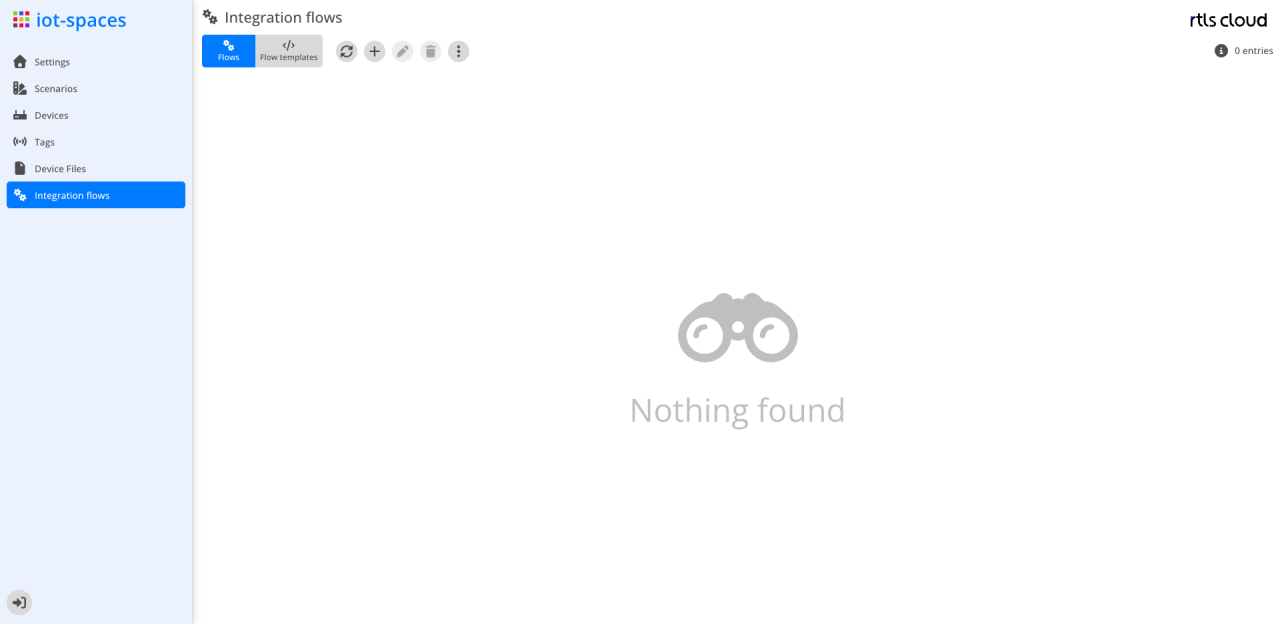
| Module | Description |
|---|---|
|
Refreshes the flow list |
|
Create a new flow from a template |
|
Edit the selected flow |
|
Delete the selected flow |
Actions |
Further actions on the selection |


Attributes
| Field | Type | Description |
|---|---|---|
Status |
Icon |
State of the flow: grey not started, green started, yellow started with an error, red failed. For yellow and red the tooltip shows the error message |
Name |
Text |
Name of the flow; the tooltip shows the description |
Template |
Text |
Template the flow was created from |
Enabled |
Icon |
An X marks an enabled flow |
Succeeded |
Number |
Number of successful runs |
Failed |
Number |
Number of failed runs |
Total |
Number |
Number of all runs |
Last Success |
Timestamp |
Point in time of the last successful run |
Last Failure |
Timestamp |
Point in time of the last failed run |