Space setup
Procedure
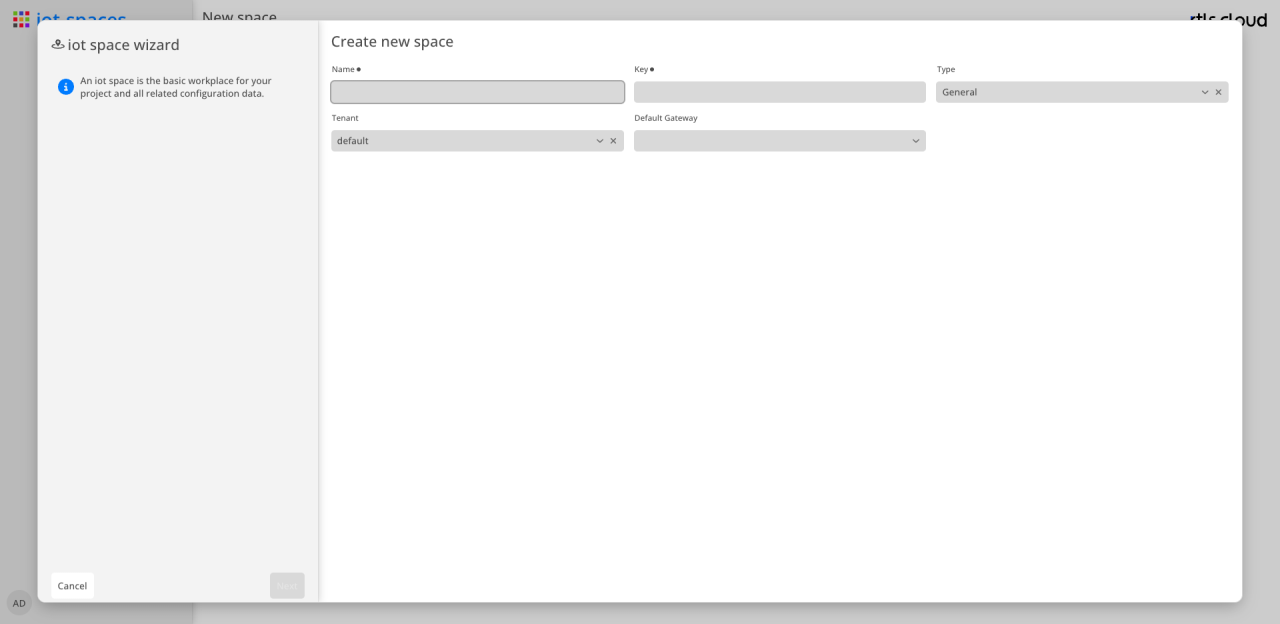
-
Enter the basic data of the space: name, key and type.
-
Follow the remaining steps of the wizard; Finish creates the space.
The type in the first step
The type comes first on purpose, because it decides which of the following steps make sense at all.
When a space is created, its role is decided. That role determines what is managed in it and in which applications it appears at all.
| Type | Meaning |
|---|---|
General |
Both — locating infrastructure and business data in the same space. This is the default and the previous behaviour. Existing spaces carry this type. |
Infrastructure |
Holds the locating infrastructure only: locations, devices and scenarios. No assets, routes or tracks. Such a space is not offered in Tracking. |
Application |
Holds the business data of one use case only, and obtains locations, devices, tags and position events from an infrastructure space it references. |
An installation built once therefore serves any number of use cases that stay separate from one another: each has its own assets, tracks and rules, while all of them see the same location tree and the same devices.
|
Type and infrastructure space cannot be changed afterwards — not from General to something else, and not back. A space that already holds data of both kinds could only change its type by moving that data, and existing tracks reference locations of the infrastructure they were recorded with. Whoever needs a different type or a different infrastructure space creates a new space. |
The IoT Spaces wizard offers General and Infrastructure — both spaces that carry locations, devices and scenarios. An application space is not shown in IoT Spaces and therefore cannot be created here; it is created in Users & Permissions, where the reference to its infrastructure space is set as well.