Asset Type Groups
Reference
| Module | Description |
|---|---|
|
Refreshes the list |
|
Create group |
|
Edit group |
|
Delete group |
|
Number of displayed groups |
|
Asset group list |



Asset Type Group
Details
| Field | Type | Description |
|---|---|---|
Id |
Uuid |
System-generated ID |
Name |
Text |
Name of the group |
Parent |
DropDown |
Parent connection to asset type group |
Asset Types
In this dialog, all or individual asset types can be added and removed.
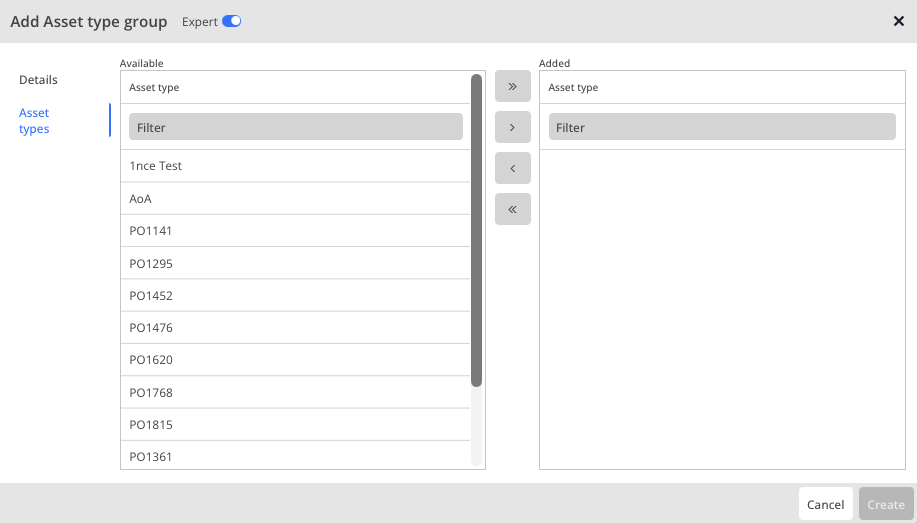
| Button | Description |
|---|---|
|
Adds all available asset types to the group |
|
Adds the types selected in the left column to the group |
|
Removes the types selected in the right column from the group |
|
Removes all available asset types from the group |


