Clients
Reference
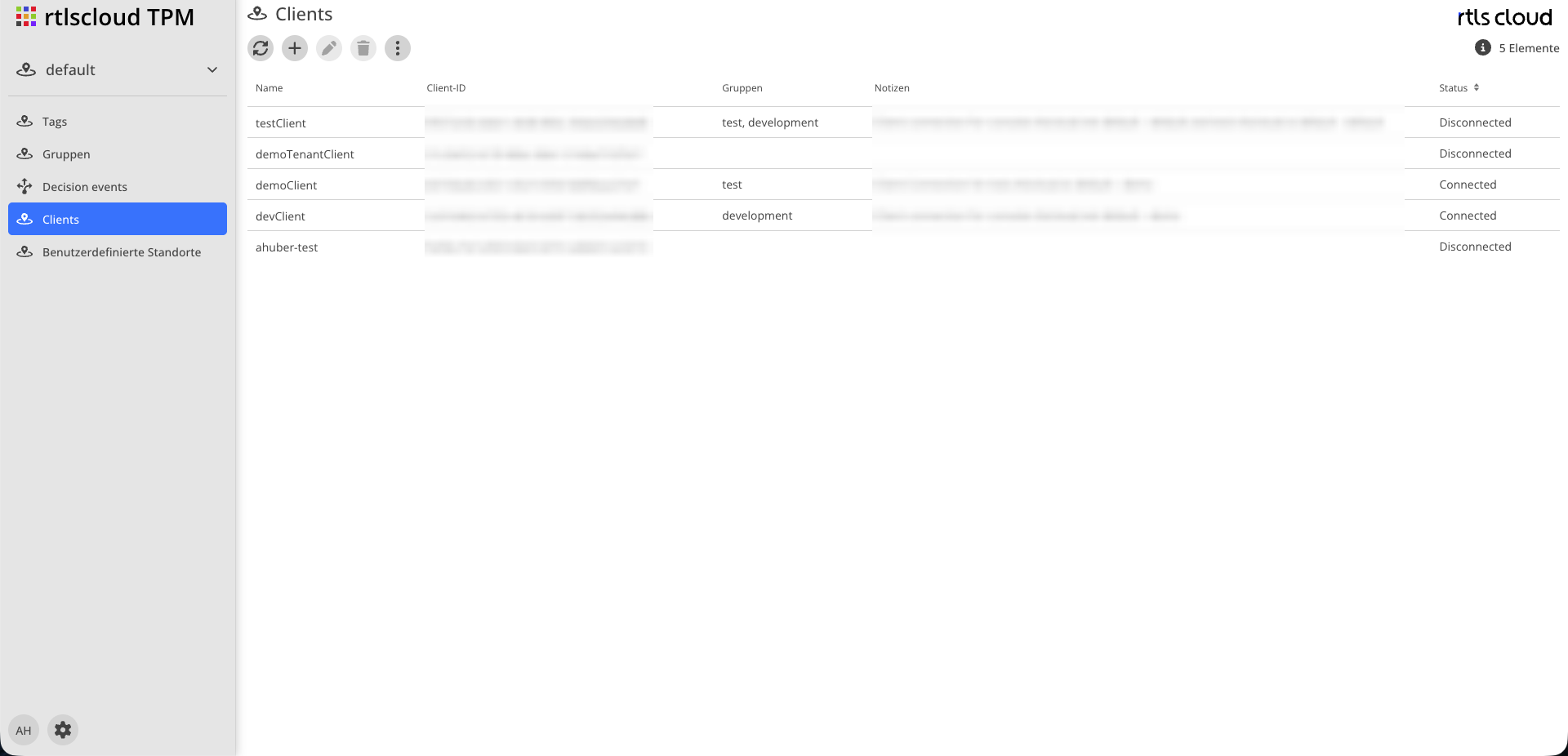
| Module | Description |
|---|---|
|
Reloads the list, including the connection status |
|
Creates a credential |
|
Opens the selected credential for editing |
|
Removes the credential. An existing connection is closed immediately |
|
Number of credentials shown |


Attributes
| Field | Type | Description |
|---|---|---|
Name |
Text |
Display name, usually the system that uses this credential |
Client ID |
Text |
Generated when saved. Copyable to the clipboard via the icon |
Client Secret |
Password |
The credential’s password. Shown only when entered, never again afterwards |
Groups |
Multi-select |
The groups whose tag events this credential may receive |
Notes |
Text |
Free text |
Tenant |
Selection |
Settable only when creating |
Status |
Display |
Whether the credential currently holds a connection |
|
The client secret cannot be viewed again after saving. Store it in the target system immediately. If it is lost, set a new one — there is no way to display the existing one. |
Authorization
A credential receives exclusively events of tags from the groups assigned to it.
-
Without an assigned group, the credential connects successfully and receives nothing. This is the most common misconfiguration.
-
A tag without a group produces events that no credential receives — see Tag Groups.
-
The check happens per event. A credential cannot widen its scope by subscribing more broadly.
Moving a tag to another group changes who receives its events from the next message onward. The third-party system does not have to reconnect.
Status
| Value | Meaning |
|---|---|
Connected |
The credential currently holds at least one connection |
Disconnected |
No connection exists |
The status is read directly from the running system when the list is refreshed, not from the database. It therefore shows the actual state.
Several Connections of One Credential
A third-party system may use the same credential from several instances. Events are then delivered in rotation across the connections, and if one fails another takes over.
This is how a receiving system scales without its instances coordinating with each other. Note: consecutive events of one tag may land on different instances. If order matters, sort by the event’s timestamp in the target system.